

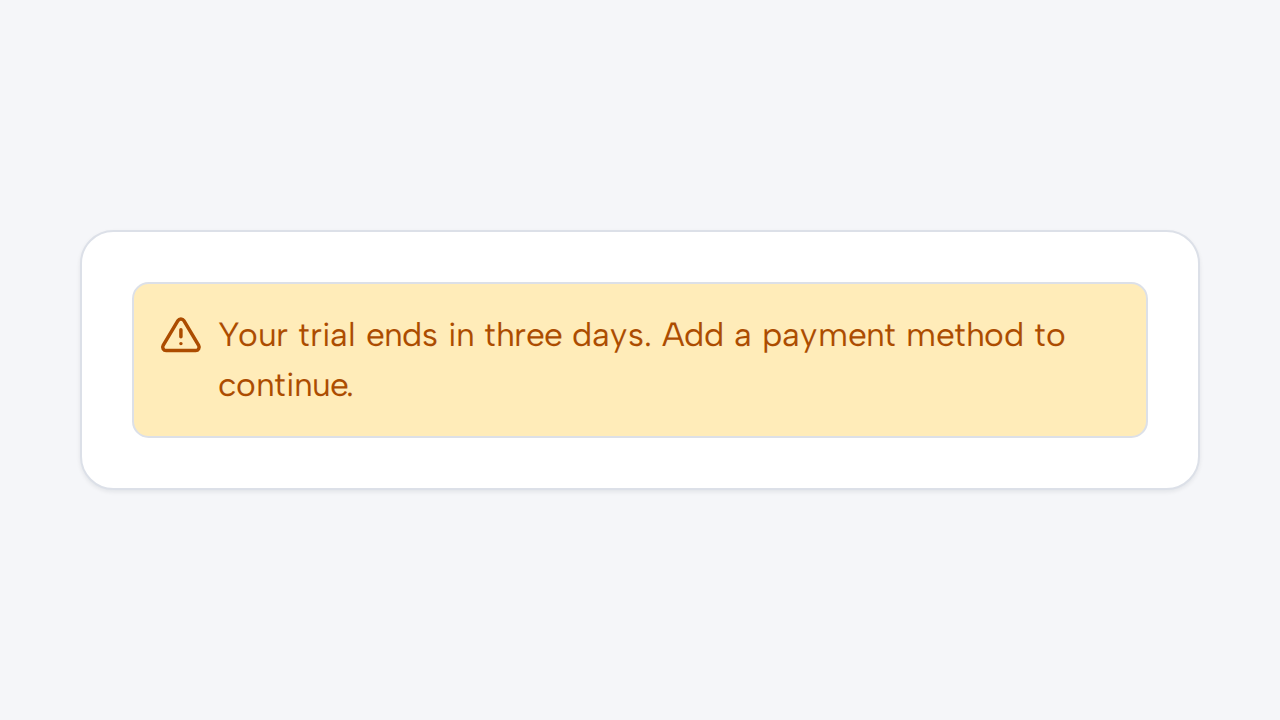
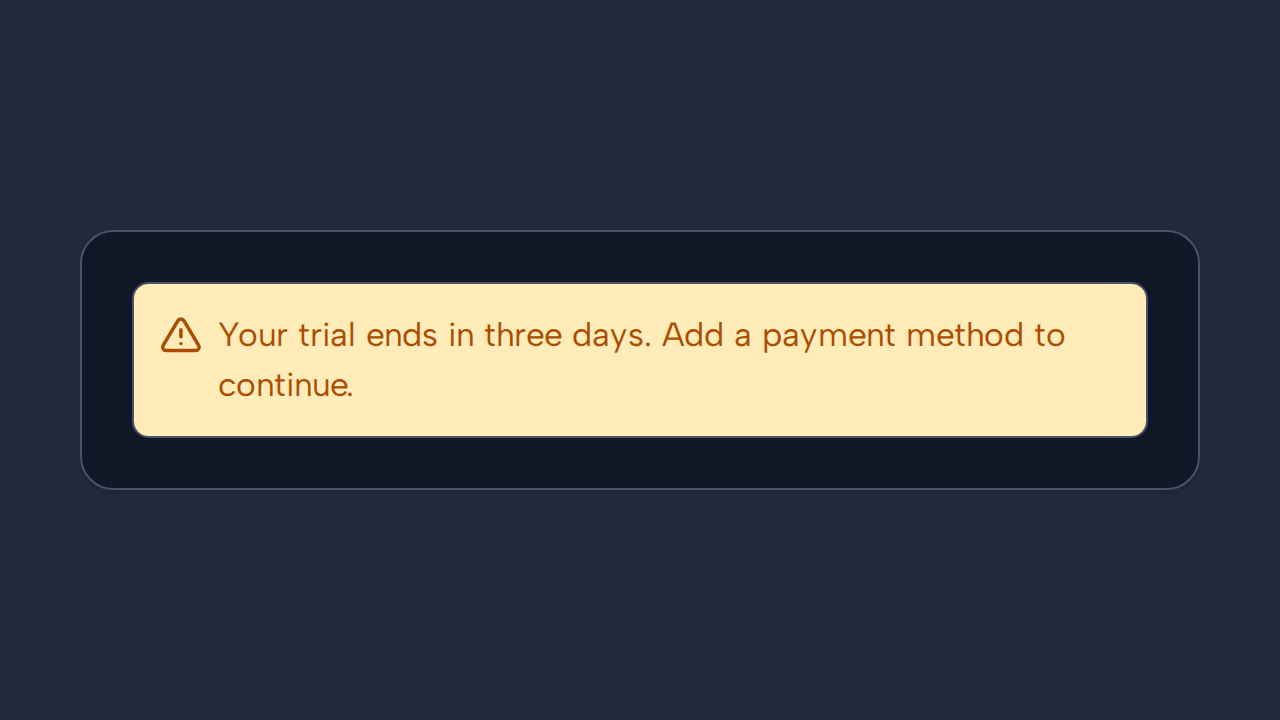
Do
Match the message meaning
Choose the variant that reflects the message’s severity and write copy that helps people respond.
aidsgn-alert communicates a non-interactive status. Each variant has an icon as well as color, so meaning does not depend on color alone. Error alerts announce assertively; other messages use a polite status role.
<aidsgn-alert variant="info" role="status"><aidsgn-icon class="aidsgn-alert__icon" name="info" aria-hidden="true"><svg class="aidsgn-icon__svg" viewBox="0 0 24 24" aria-hidden="true"><path d="M12 22a10 10 0 1 0 0-20 10 10 0 0 0 0 20ZM12 10v6M12 7h.01"></path></svg></aidsgn-icon><span class="aidsgn-alert__message">Your changes are saved automatically.</span></aidsgn-alert><aidsgn-alert variant="success" role="status"><aidsgn-icon class="aidsgn-alert__icon" name="success" aria-hidden="true"><svg class="aidsgn-icon__svg" viewBox="0 0 24 24" aria-hidden="true"><path d="M12 22a10 10 0 1 0 0-20 10 10 0 0 0 0 20ZM8 12l3 3 5-6"></path></svg></aidsgn-icon><span class="aidsgn-alert__message">Invitation sent.</span></aidsgn-alert>Choose the variant that reflects the message’s severity and write copy that helps people respond.
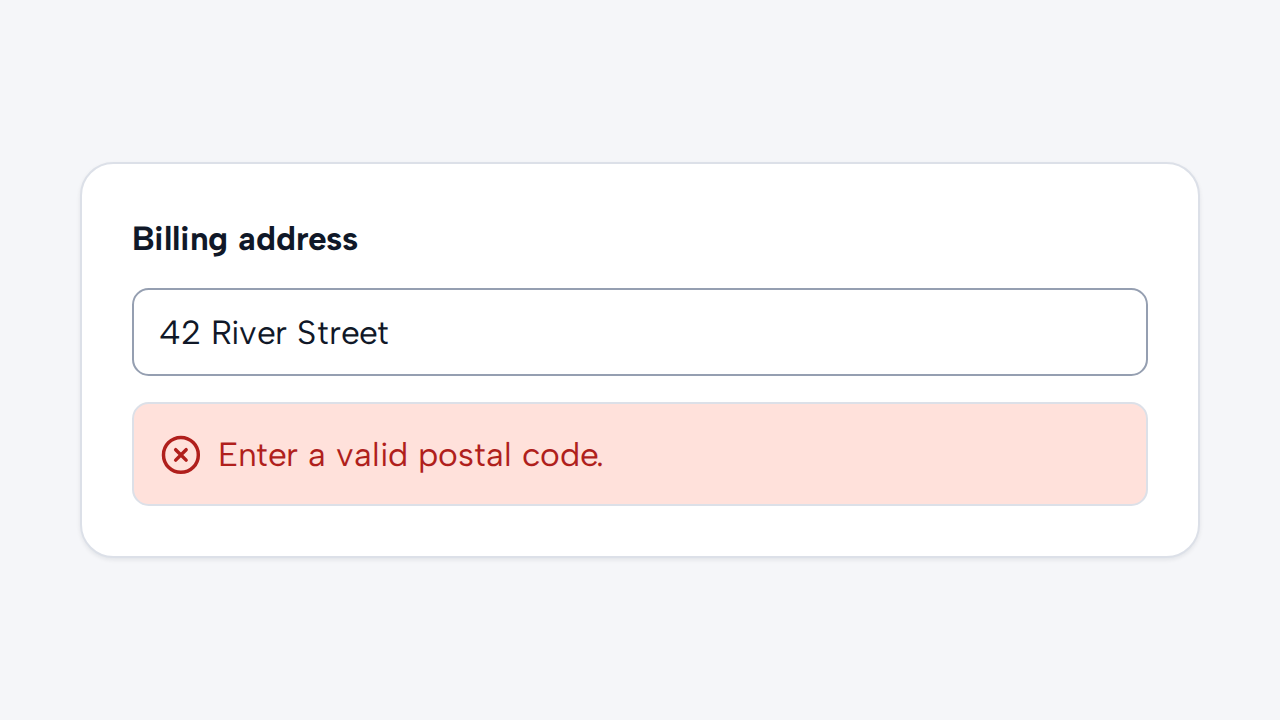
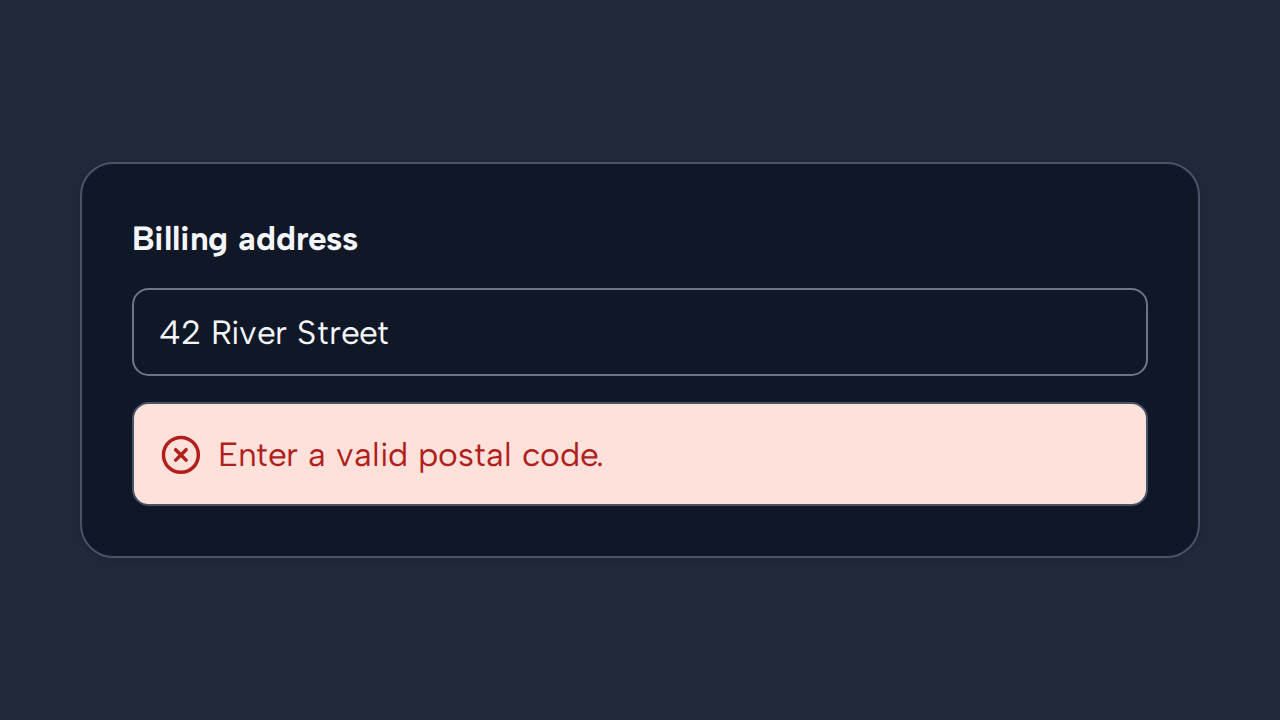
Position an Alert near the content or task it describes so its relationship is immediately clear.
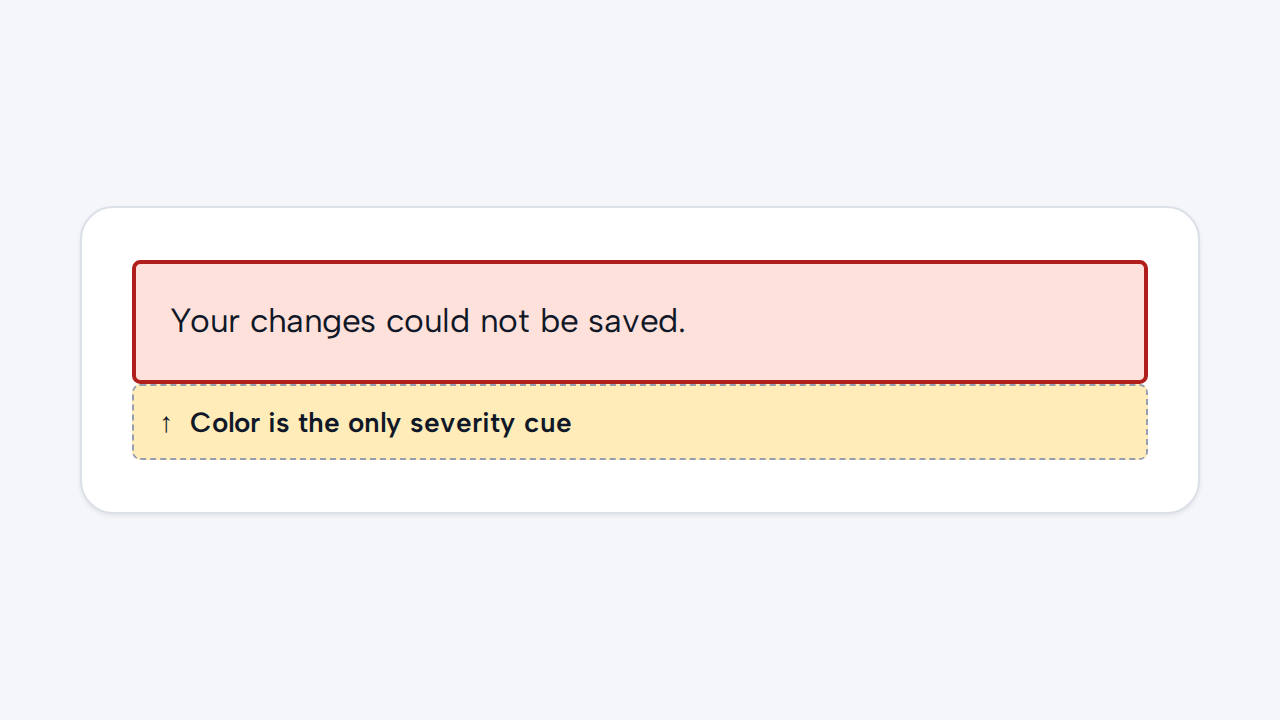
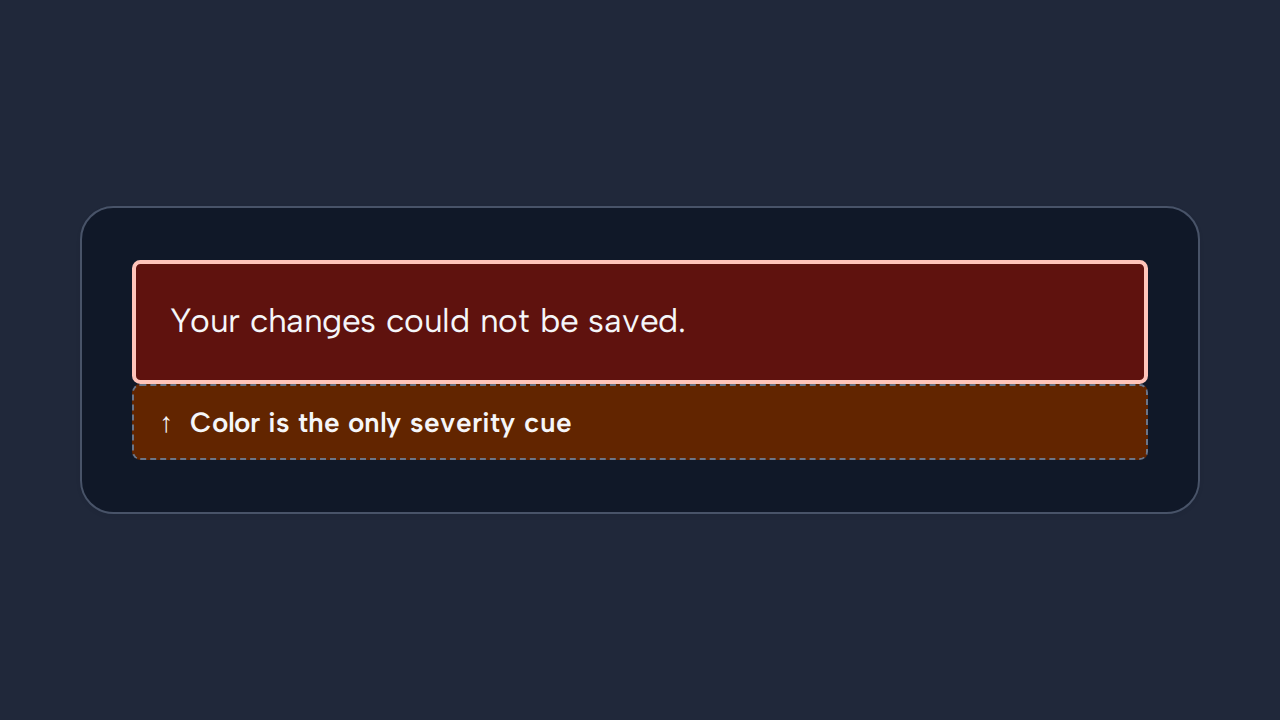
Preserve the built-in icon and status semantics so severity remains understandable without color perception.
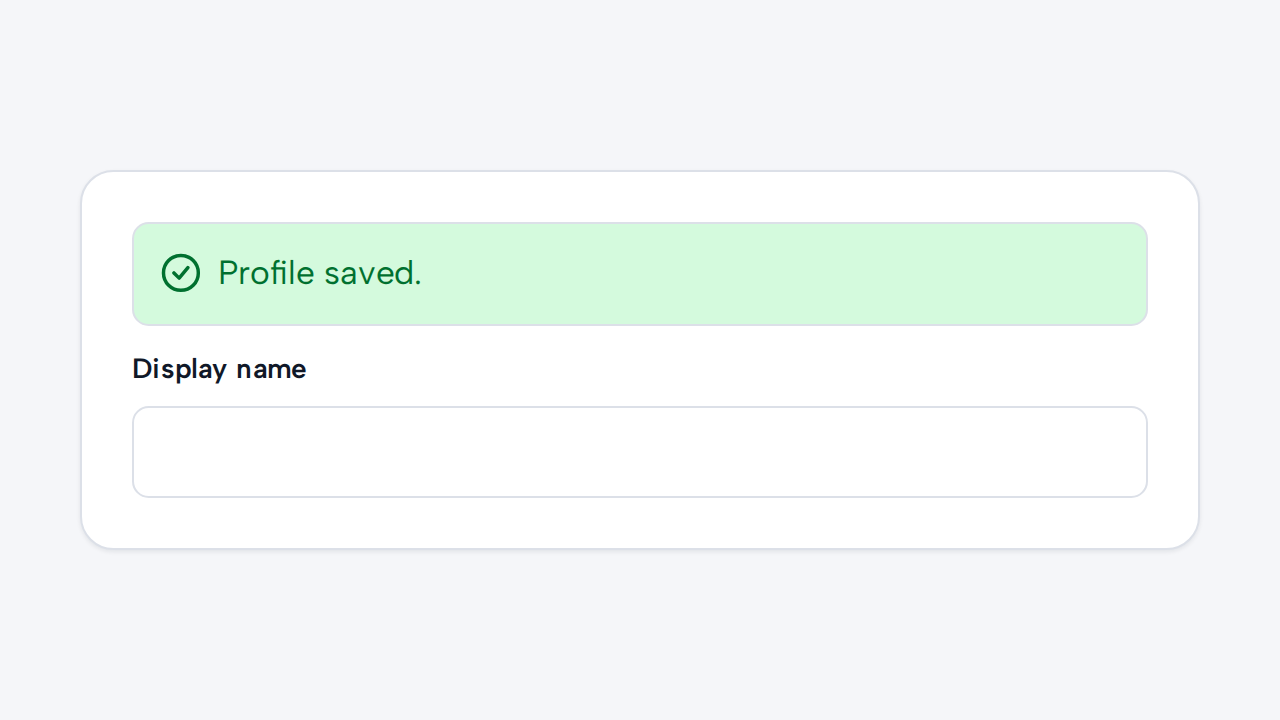
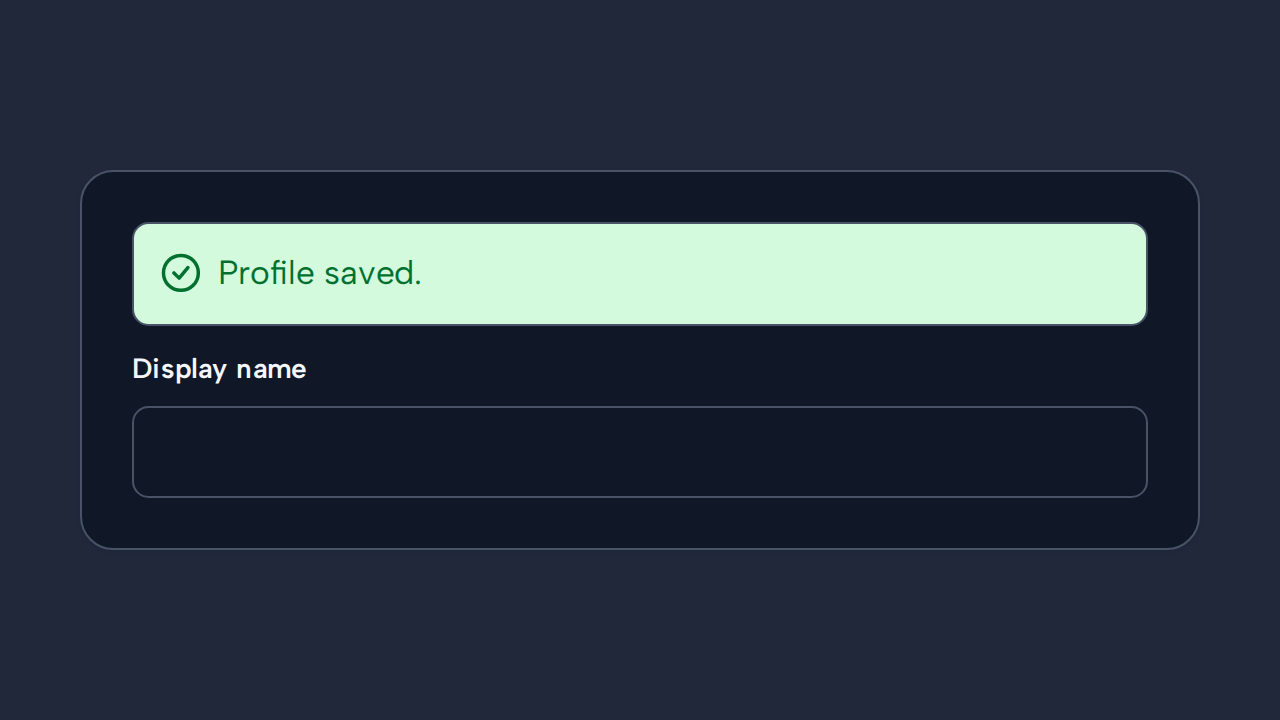
Use Toast for optional, short-lived feedback that follows an action without interrupting the task.