

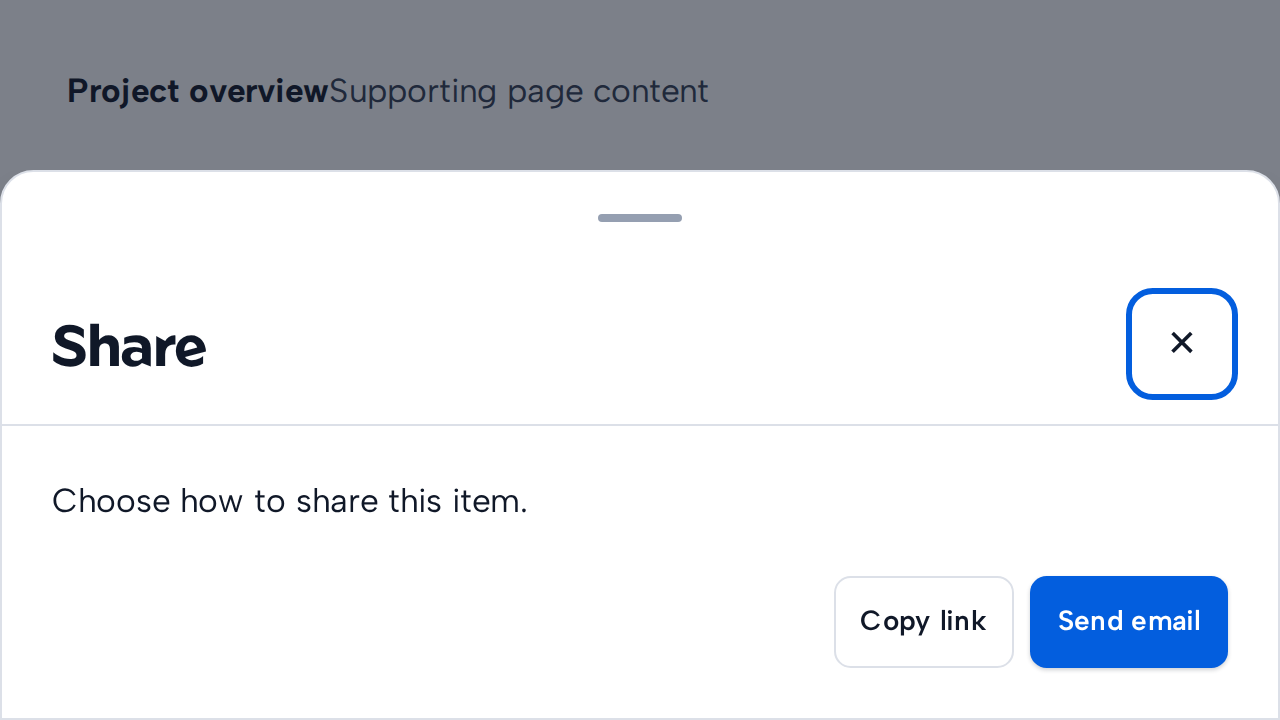
Do
Keep the task focused
Use BottomSheet for a concise action or supporting content that fits constrained screens.
aidsgn-bottom-sheet presents a compact modal choice or task at the bottom edge of the viewport. It stabilizes its top-layer dimensions before sliding into view and includes a handle for dragging it closed.
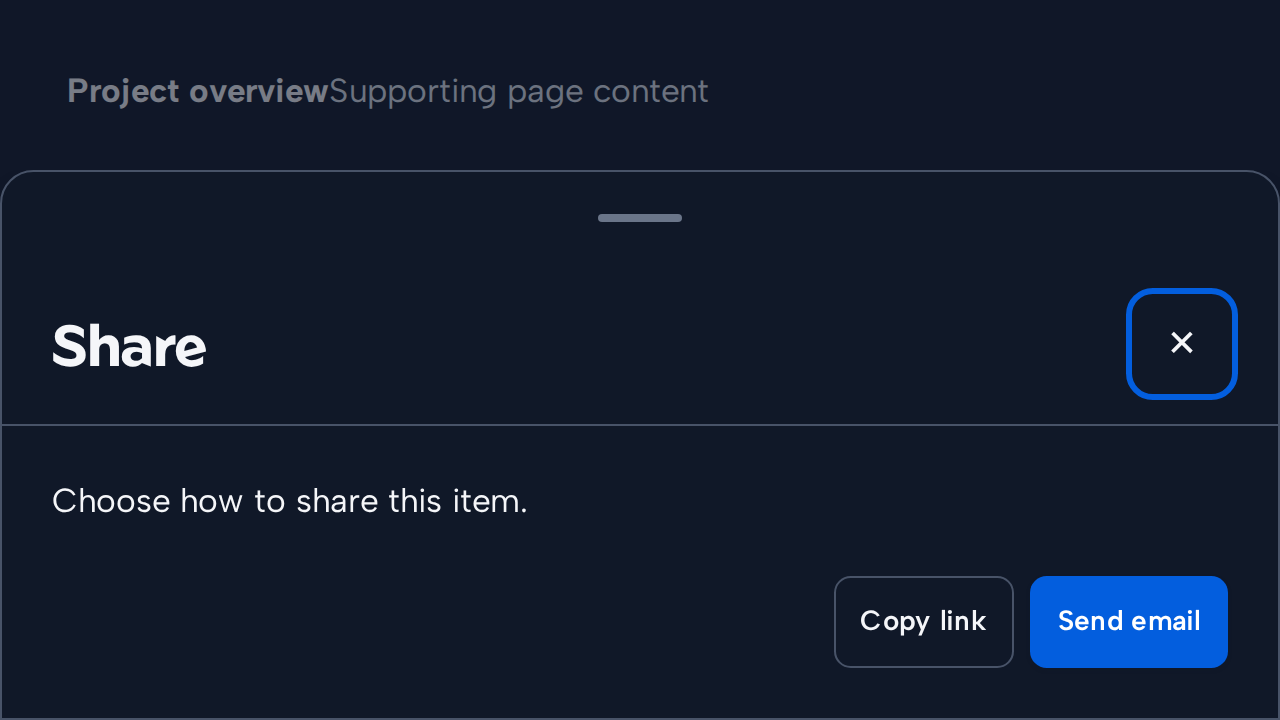
<aidsgn-bottom-sheet id="share" heading="Share"><dialog class="aidsgn-modal aidsgn-bottom-sheet" aria-labelledby="sheet-heading"><div class="aidsgn-modal__surface"><div class="aidsgn-bottom-sheet__drag-handle" aria-hidden="true"></div><header class="aidsgn-modal__header"><h2 class="aidsgn-modal__heading" id="sheet-heading">Share</h2><button class="aidsgn-modal__close" type="button" aria-label="Close share options">×</button></header><div class="aidsgn-modal__body"><p>Choose how to share this item.</p><form method="dialog" data-aidsgn-modal-actions><button value="copy">Copy link</button><button value="email">Send email</button></form></div></div></dialog></aidsgn-bottom-sheet>BottomSheet shares Dialog’s open, heading, close-label, show(), close(), aidsgn-close, and aidsgn-cancel API. Its dimensions remain stable while it opens and closes. It closes with its visible close control, backdrop, Escape, native dialog forms, or by dragging the handle downward. Gesture dismissal reports drag as the aidsgn-close reason.
Holding the authored close button applies shared Press feedback without changing its 44px target. Reduced motion suppresses the scale.
The sheet spans the viewport width and is limited to 40rem or 90dvh, whichever is smaller. Override that bound with --aidsgn-bottom-sheet-max-block-size. Keep tasks short and verify keyboard use even when the primary context is touch.
Use BottomSheet for a concise action or supporting content that fits constrained screens.
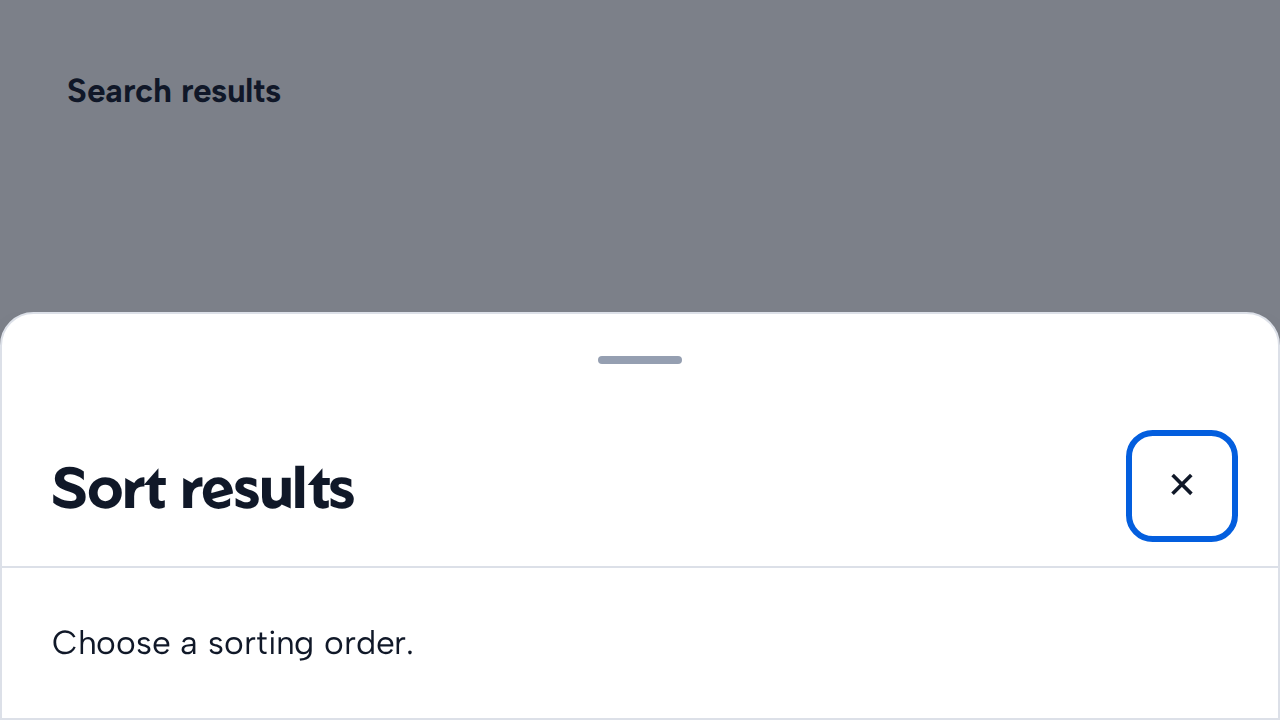

Provide a descriptive heading and an obvious dismissal path when the sheet is non-blocking.
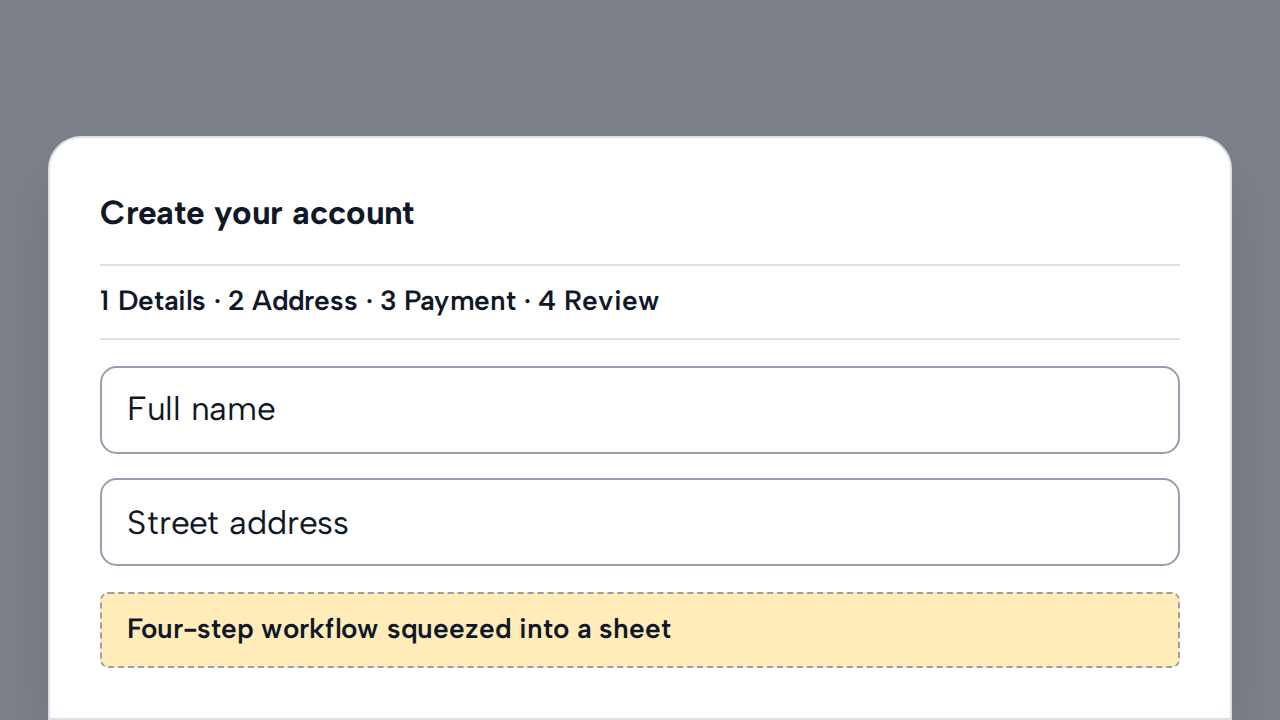
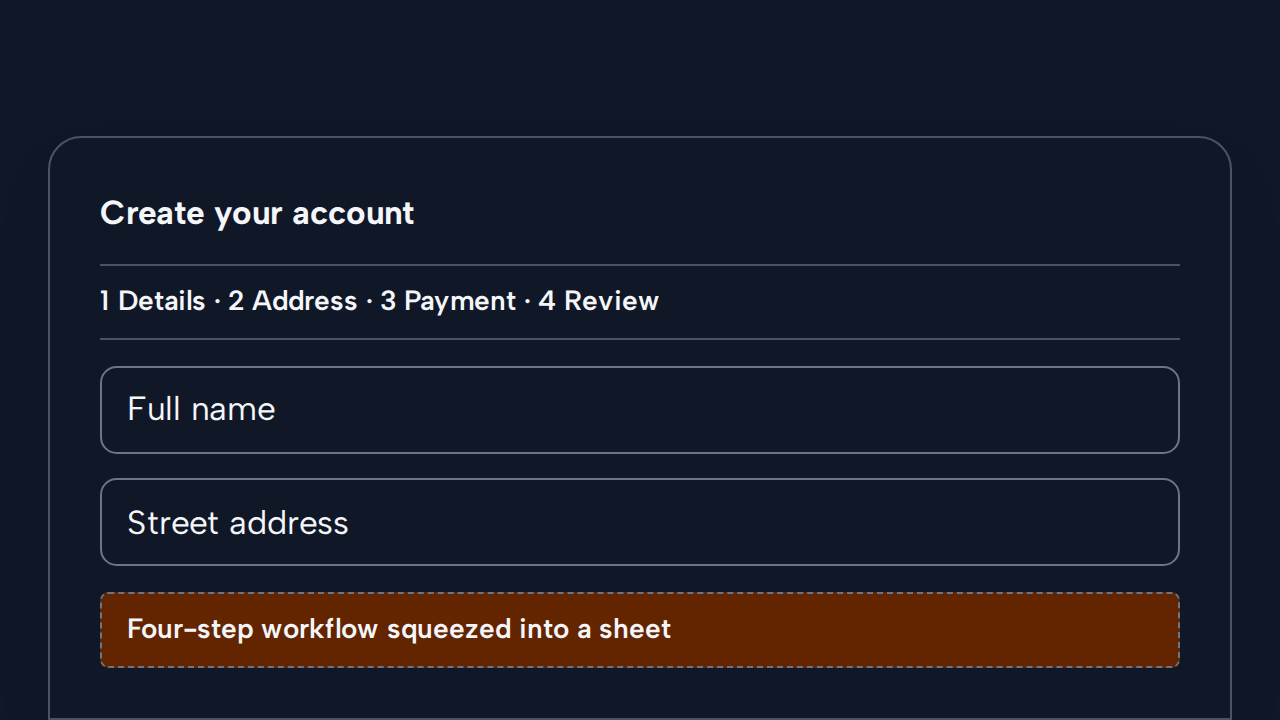
Move a multi-step task to a full page where its structure and progress have enough room.
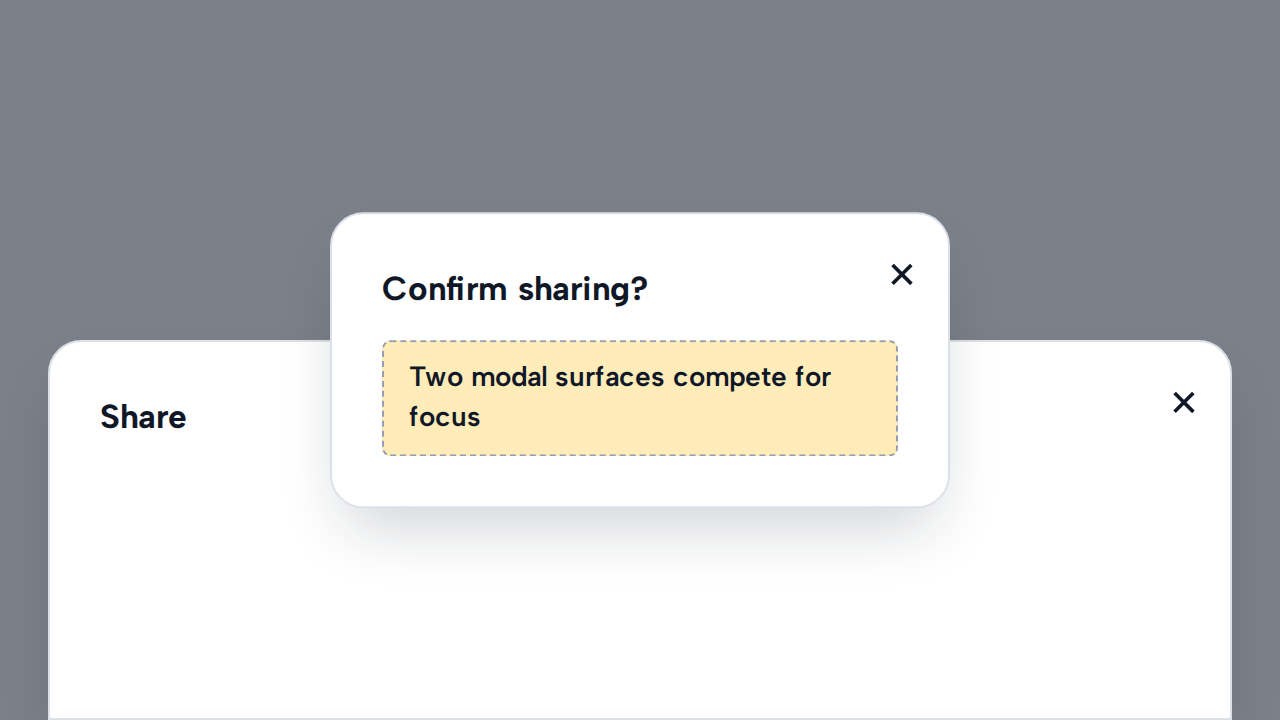
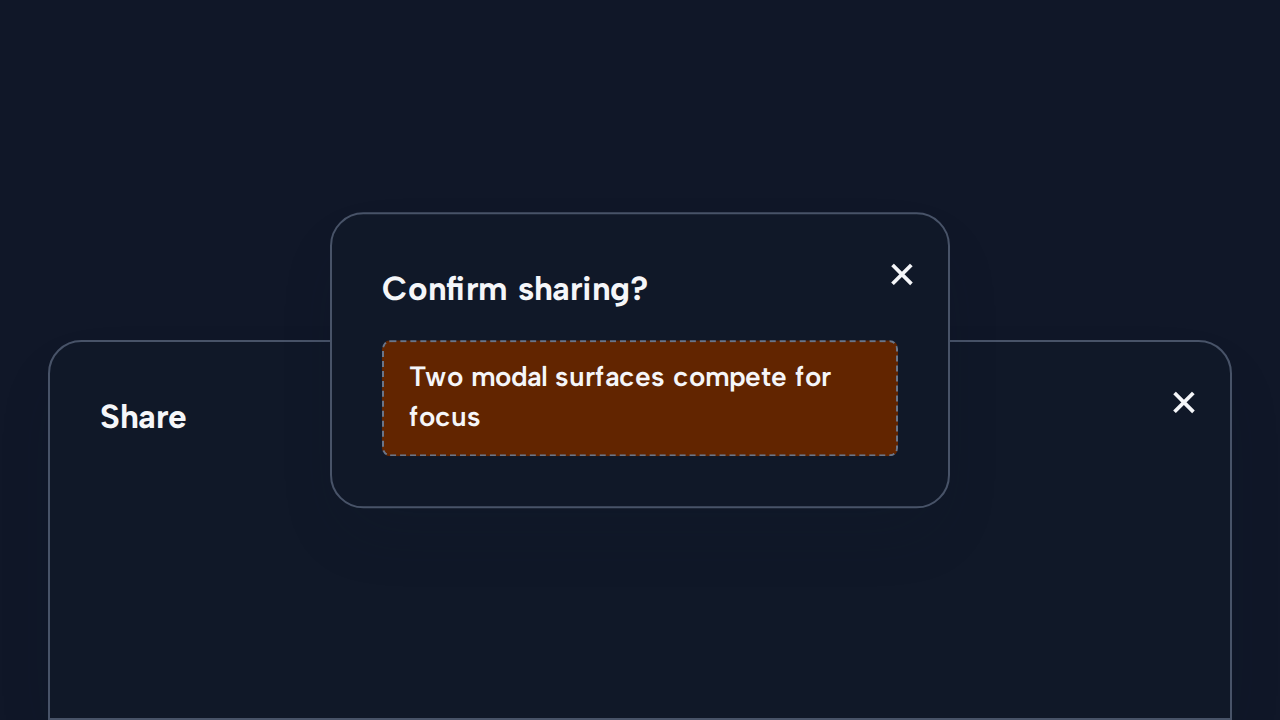
Open one modal surface at a time so focus, dismissal, and task context remain predictable.