

Do
Group peer sections
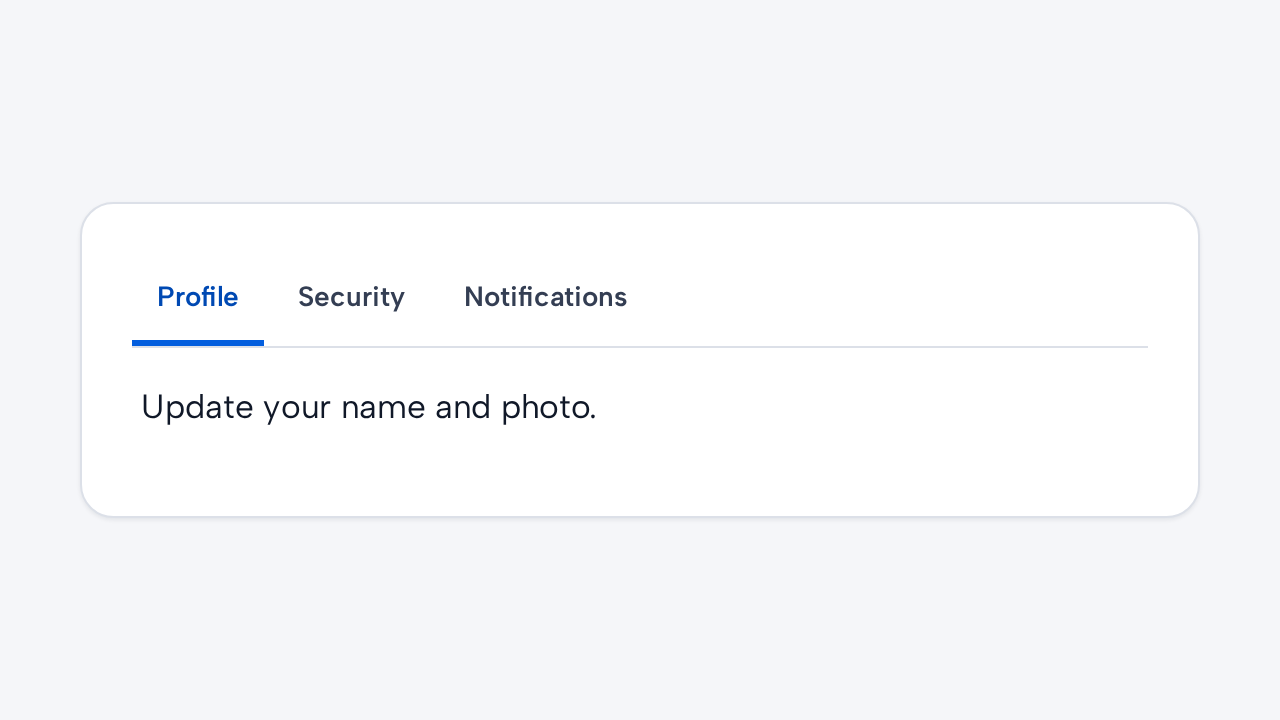
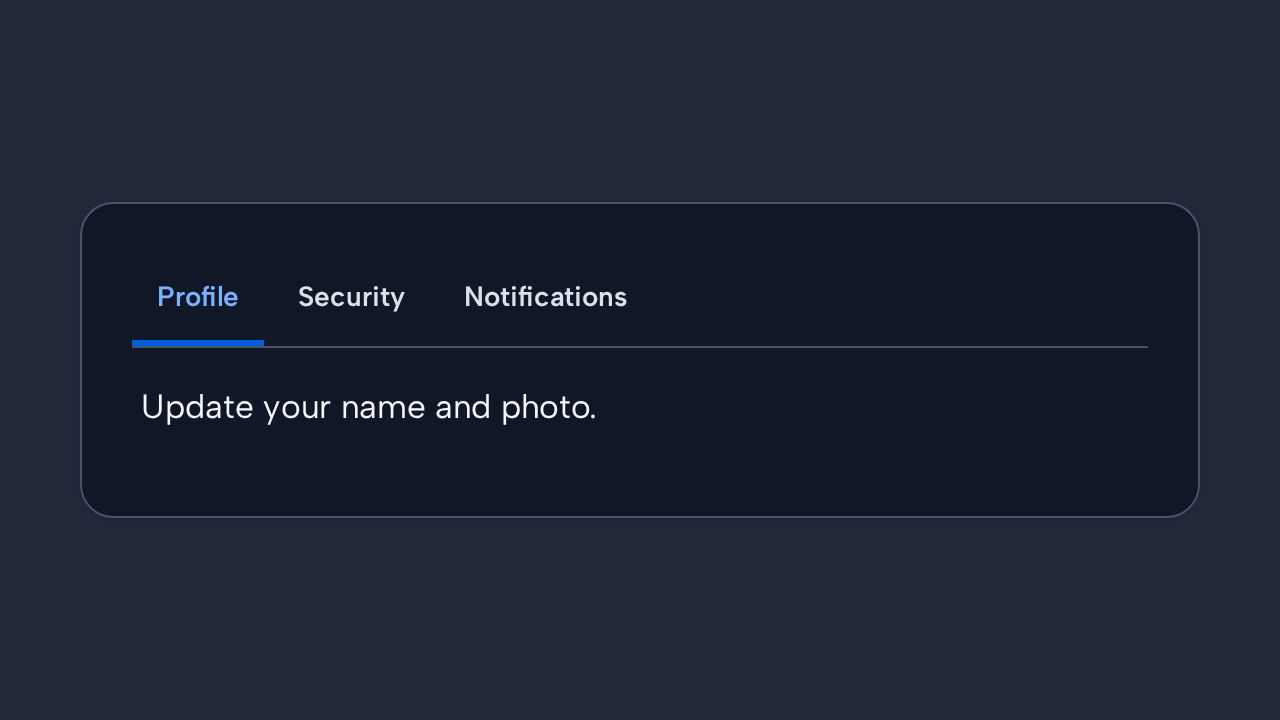
Use Tabs for related sections within one context and give the tablist a meaningful label.
Use Tabs to switch between closely related sections without leaving the current context.
Update your name, photo, and public profile information.
Manage your password and two-factor authentication.
Choose which product updates you receive.
<aidsgn-tabs label="Account settings"><div class="aidsgn-tabs__tablist" role="tablist" aria-label="Account settings"> <button class="aidsgn-tabs__tab aidsgn-is-selected" type="button" role="tab" aria-selected="true" aria-controls="profile-panel" id="profile-tab">Profile</button> <button class="aidsgn-tabs__tab" type="button" role="tab" aria-selected="false" aria-controls="security-panel" id="security-tab" tabindex="-1">Security</button> <button class="aidsgn-tabs__tab" type="button" role="tab" aria-selected="false" aria-controls="notifications-panel" id="notifications-tab" tabindex="-1">Notifications</button></div><div class="aidsgn-tabs__panels"> <div class="aidsgn-tabs__panel" role="tabpanel" id="profile-panel" aria-labelledby="profile-tab">Update your name, photo, and public profile information.</div> <div class="aidsgn-tabs__panel" role="tabpanel" id="security-panel" aria-labelledby="security-tab" hidden>Manage your password and two-factor authentication.</div> <div class="aidsgn-tabs__panel" role="tabpanel" id="notifications-panel" aria-labelledby="notifications-tab" hidden>Choose which product updates you receive.</div></div></aidsgn-tabs>Arrow keys move between tabs. Set activation="manual" when changing tabs triggers expensive work; in that mode, Enter or Space reveals the focused panel. Listen for aidsgn-tab-change when application state or the URL needs to follow the selection.
Holding a tab applies shared Press feedback without replacing its persistent selected indicator. Reduced motion suppresses the press scale and state transitions.
Use Tabs for related sections within one context and give the tablist a meaningful label.
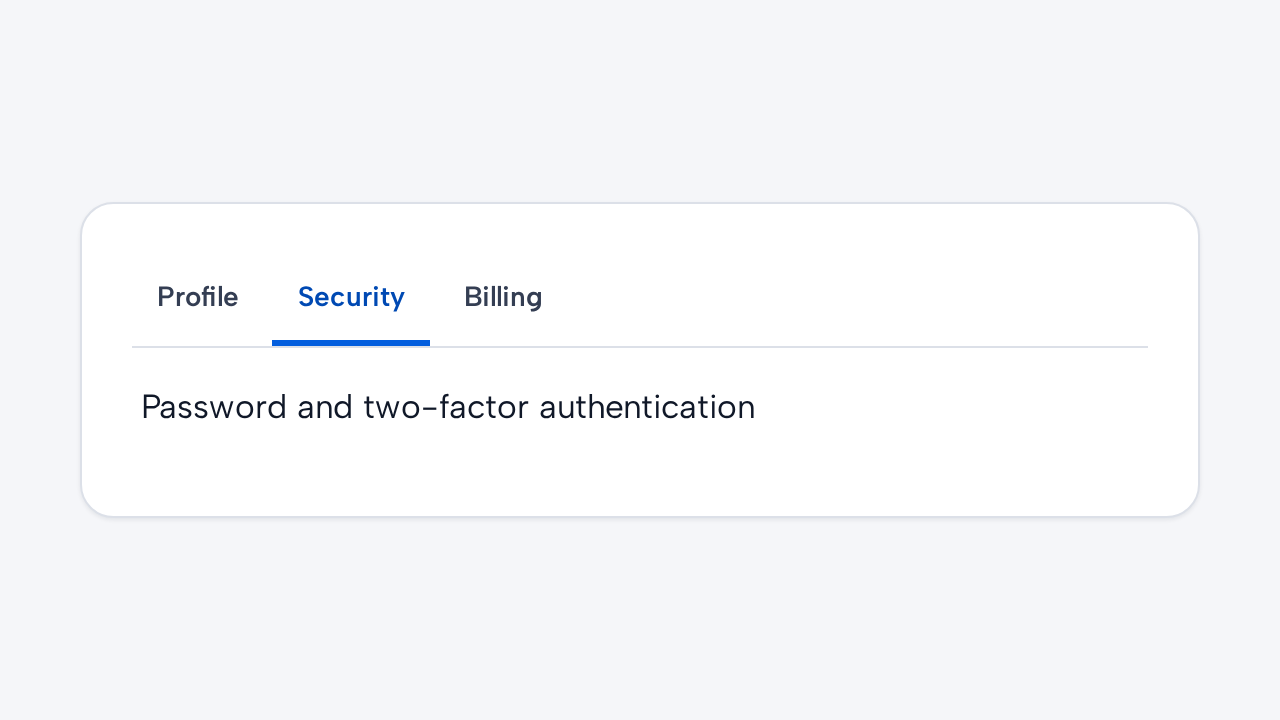
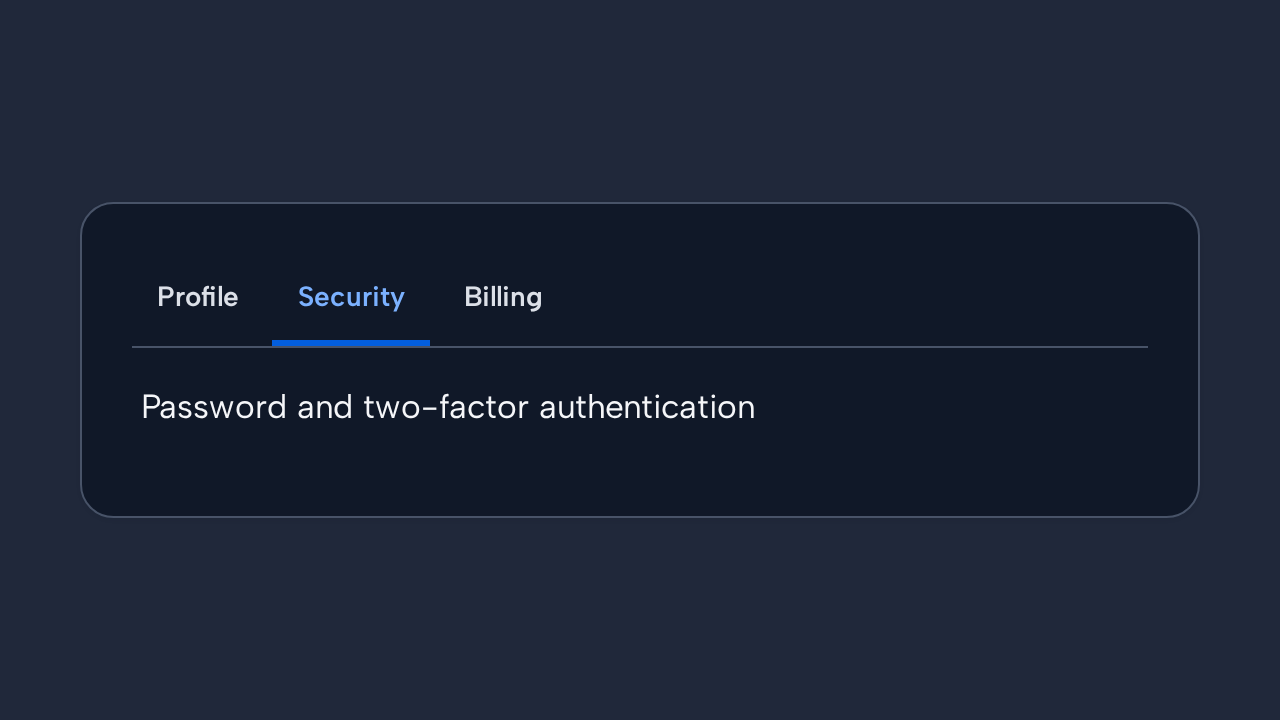
Write brief tab labels and ensure each tab controls exactly one corresponding panel.
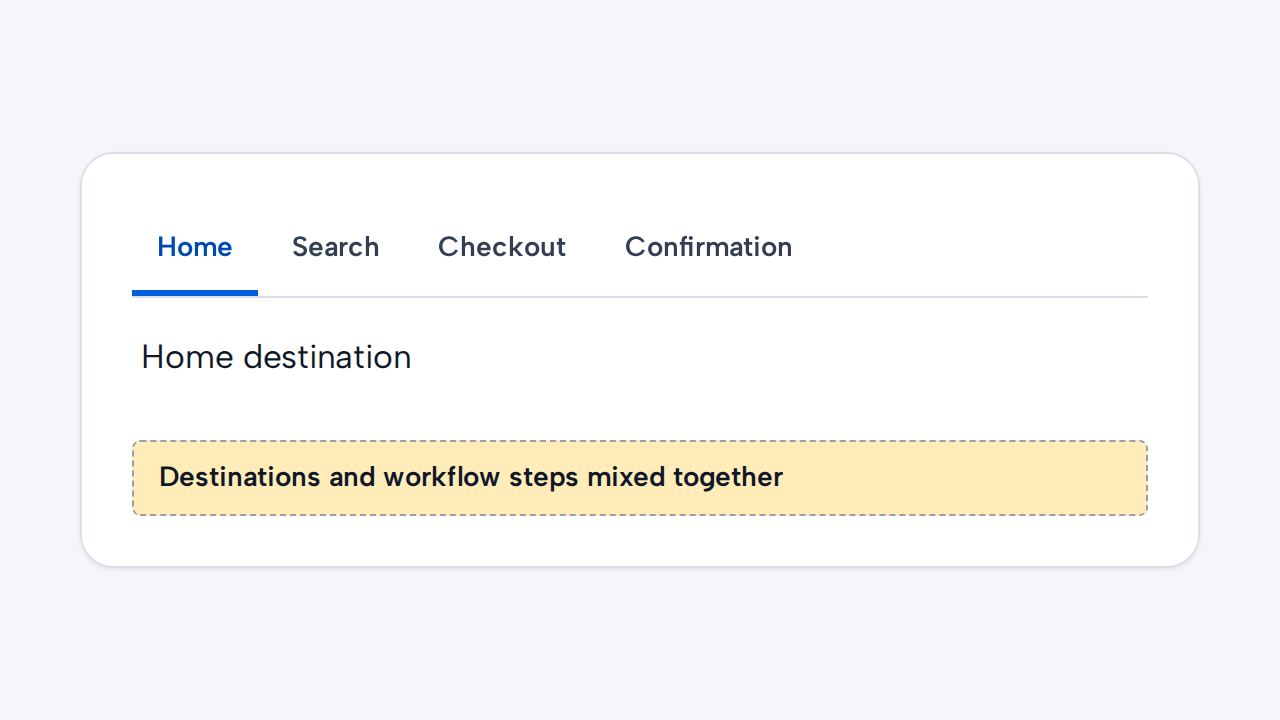
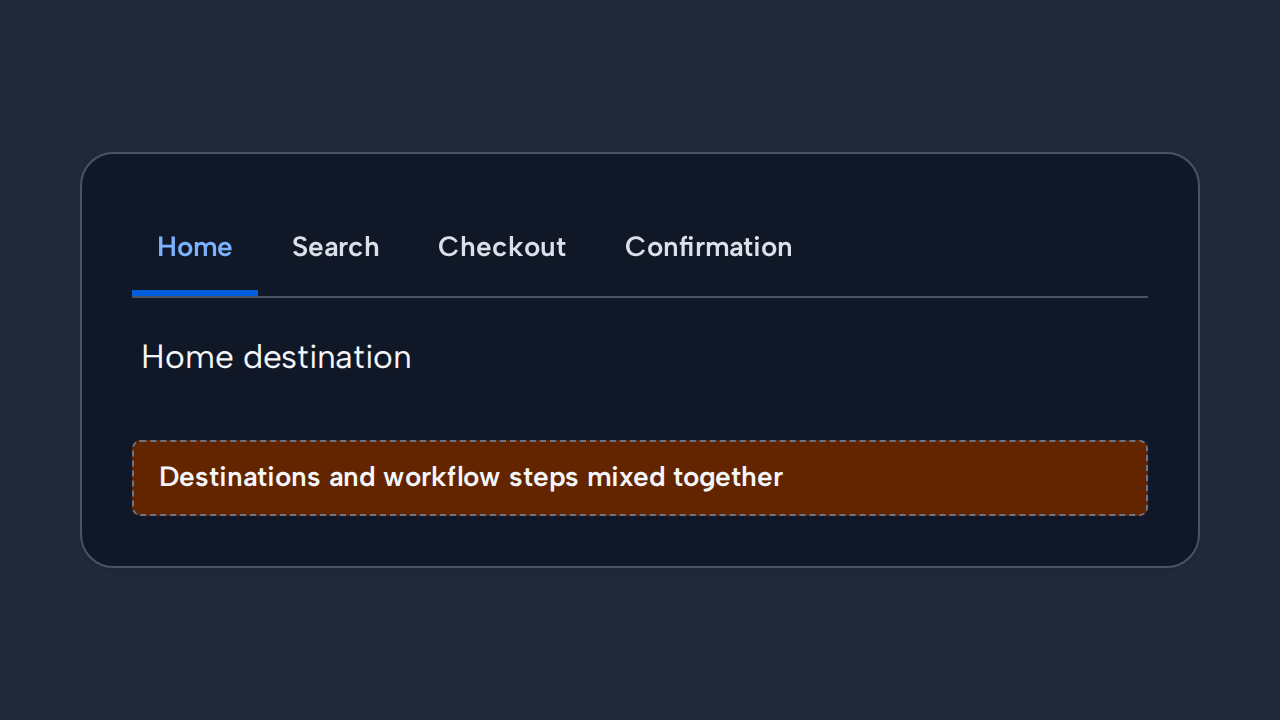
Use site navigation for destinations and a progress pattern for sequential tasks instead of Tabs.
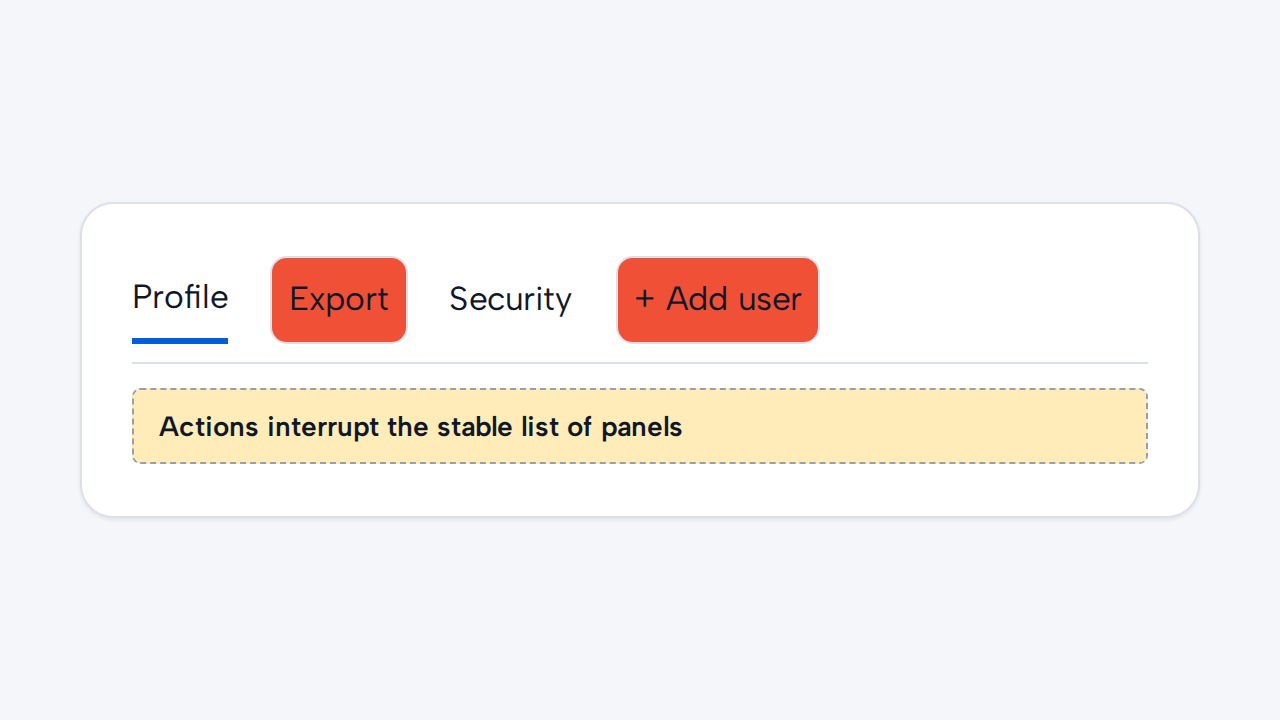
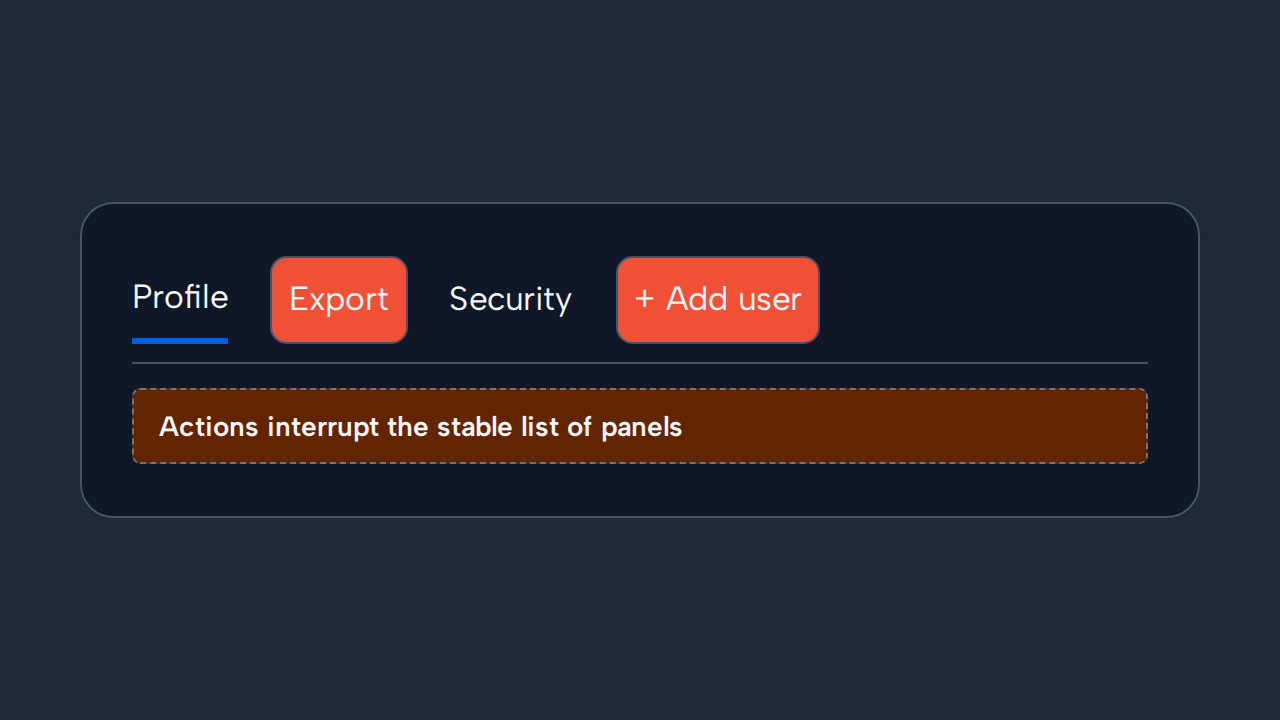
Do not reorder tabs responsively or insert actions unrelated to selecting a panel.