

Do
Represent a known sequence
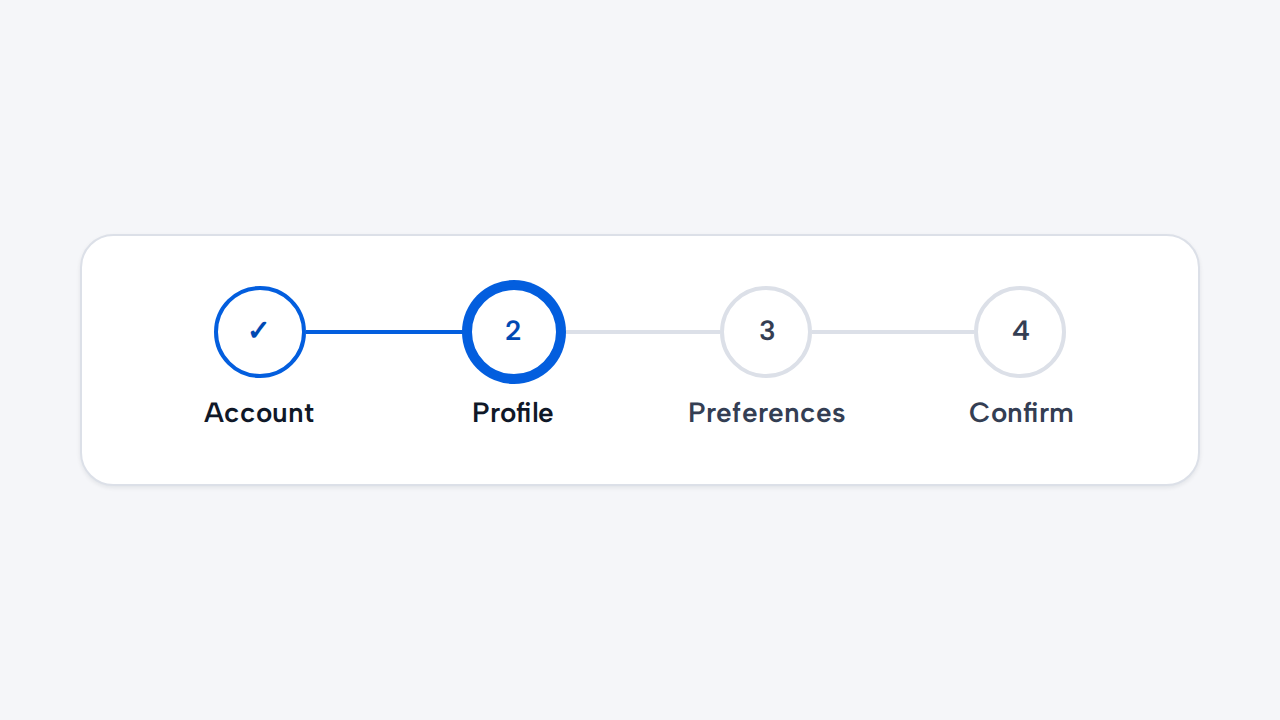
Use ProgressIndicator when a flow has defined steps and one clear current position.
Use aidsgn-progress-indicator to summarize progress through a wizard or another known sequence. It is intentionally non-interactive; pair it with normal Back and Continue buttons. In narrow containers it becomes a vertical list whose connectors continue cleanly between markers even when labels wrap.
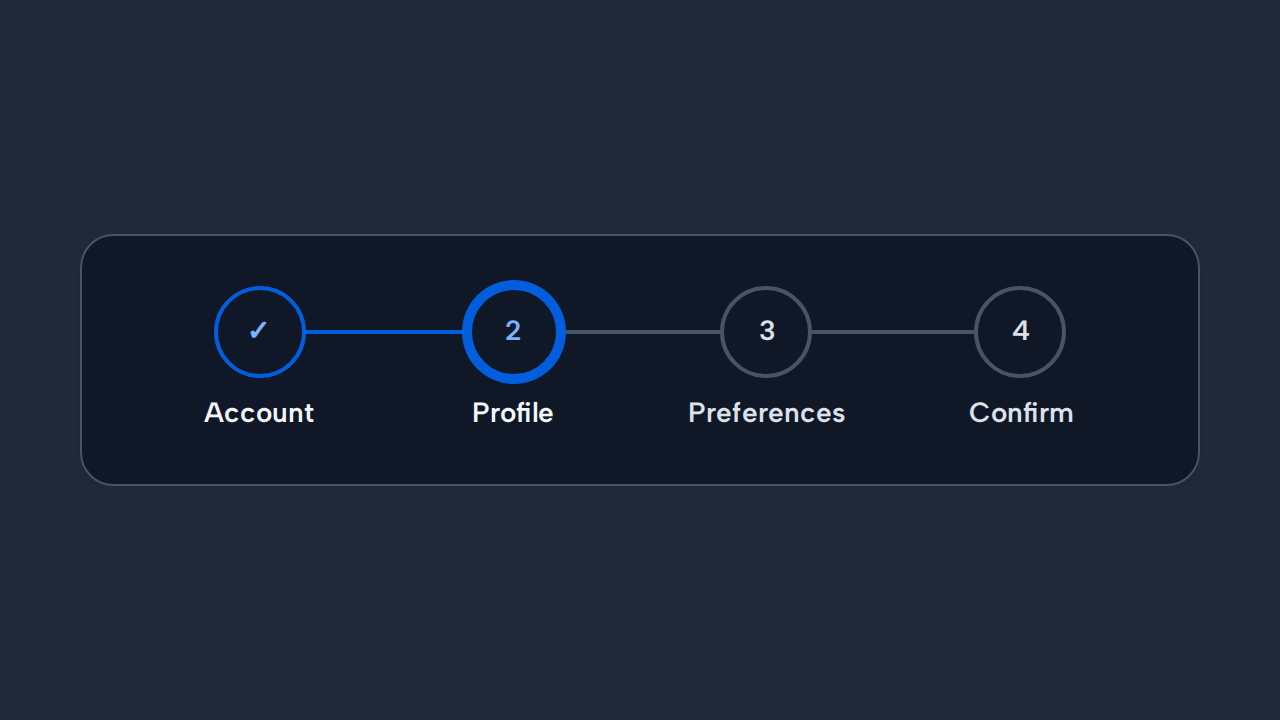
<aidsgn-progress-indicator class="aidsgn-progress-indicator" current-step="2" label="Account setup progress"><ol class="aidsgn-progress-indicator__list" aria-label="Account setup progress"> <li class="aidsgn-progress-indicator__step aidsgn-is-complete"> <span class="aidsgn-progress-indicator__marker" aria-hidden="true">✓</span> <span class="aidsgn-progress-indicator__state">Completed: </span> <span class="aidsgn-progress-indicator__content">Account</span> </li> <li class="aidsgn-progress-indicator__step aidsgn-is-current" aria-current="step"> <span class="aidsgn-progress-indicator__marker" aria-hidden="true">2</span> <span class="aidsgn-progress-indicator__state">Current: </span> <span class="aidsgn-progress-indicator__content">Profile</span> </li> <li class="aidsgn-progress-indicator__step aidsgn-is-upcoming"> <span class="aidsgn-progress-indicator__marker" aria-hidden="true">3</span> <span class="aidsgn-progress-indicator__state"> </span> <span class="aidsgn-progress-indicator__content">Preferences</span> </li> <li class="aidsgn-progress-indicator__step aidsgn-is-upcoming"> <span class="aidsgn-progress-indicator__marker" aria-hidden="true">4</span> <span class="aidsgn-progress-indicator__state"> </span> <span class="aidsgn-progress-indicator__content">Confirm</span> </li></ol></aidsgn-progress-indicator>Set current-step with a one-based step number. Completed and current states include text for assistive technology, and the layout becomes vertical when its own container is narrow.
Use ProgressIndicator when a flow has defined steps and one clear current position.
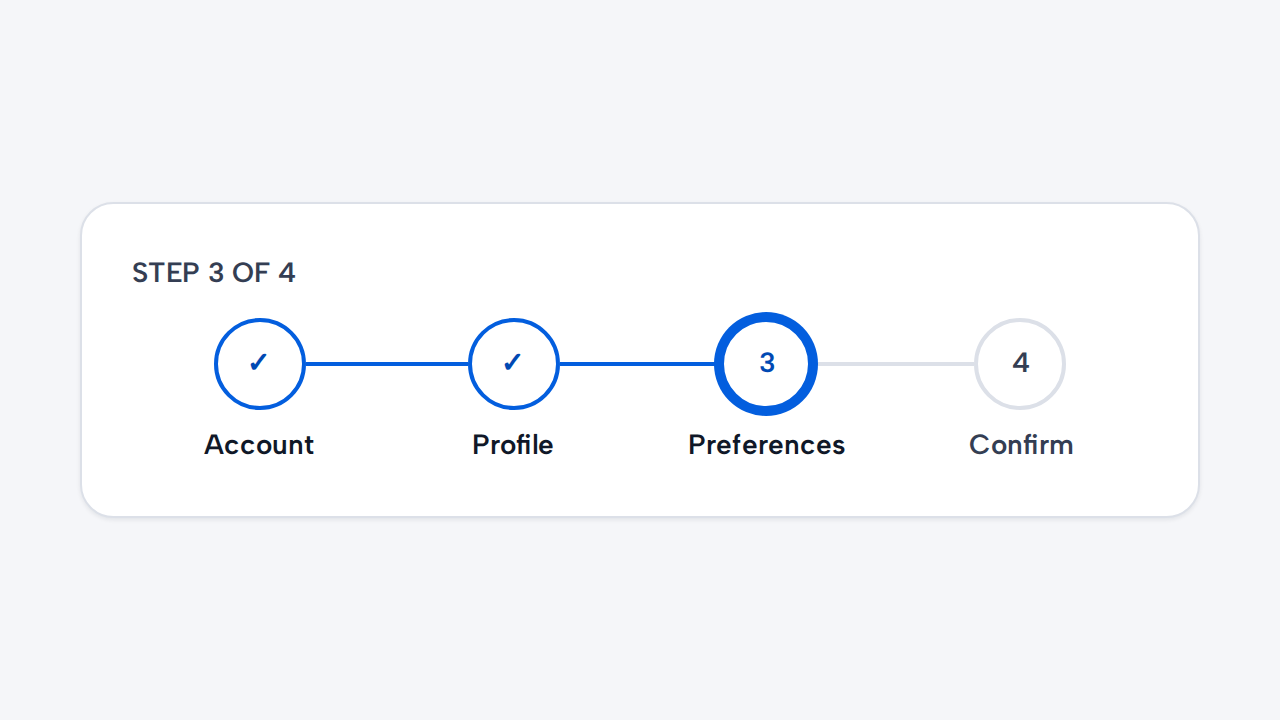
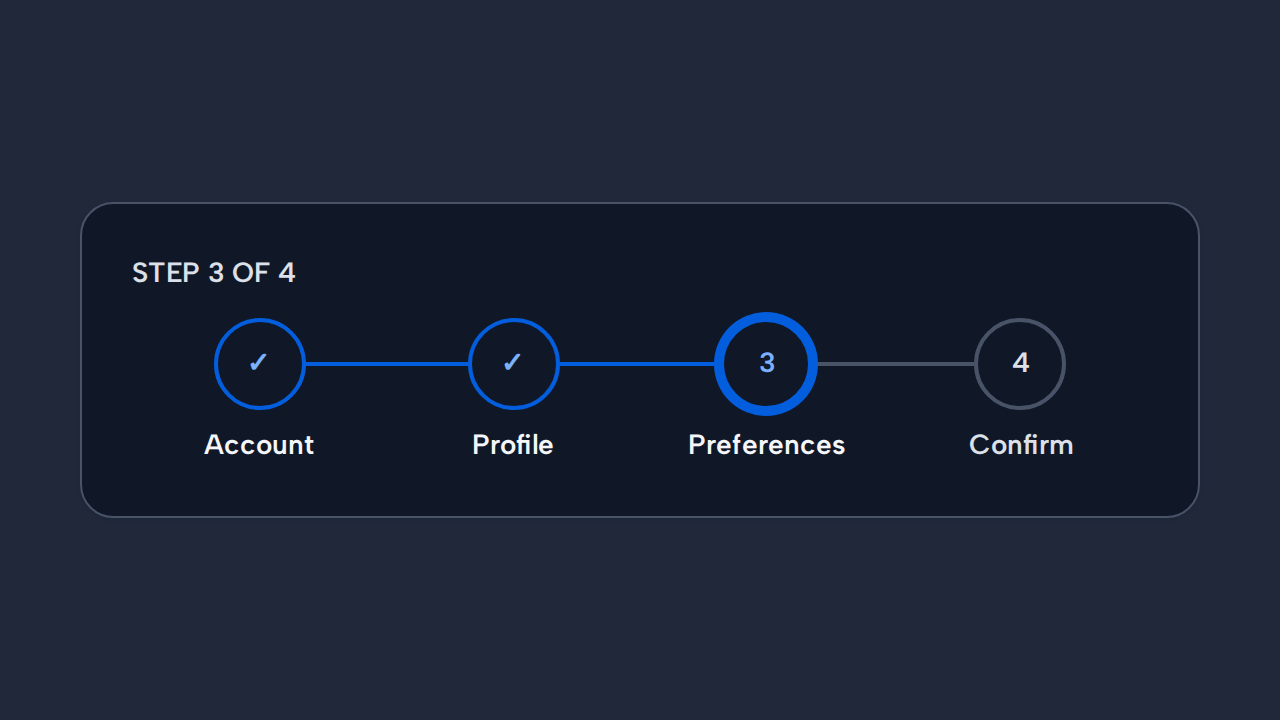
Write short step labels and preserve their order throughout the flow.
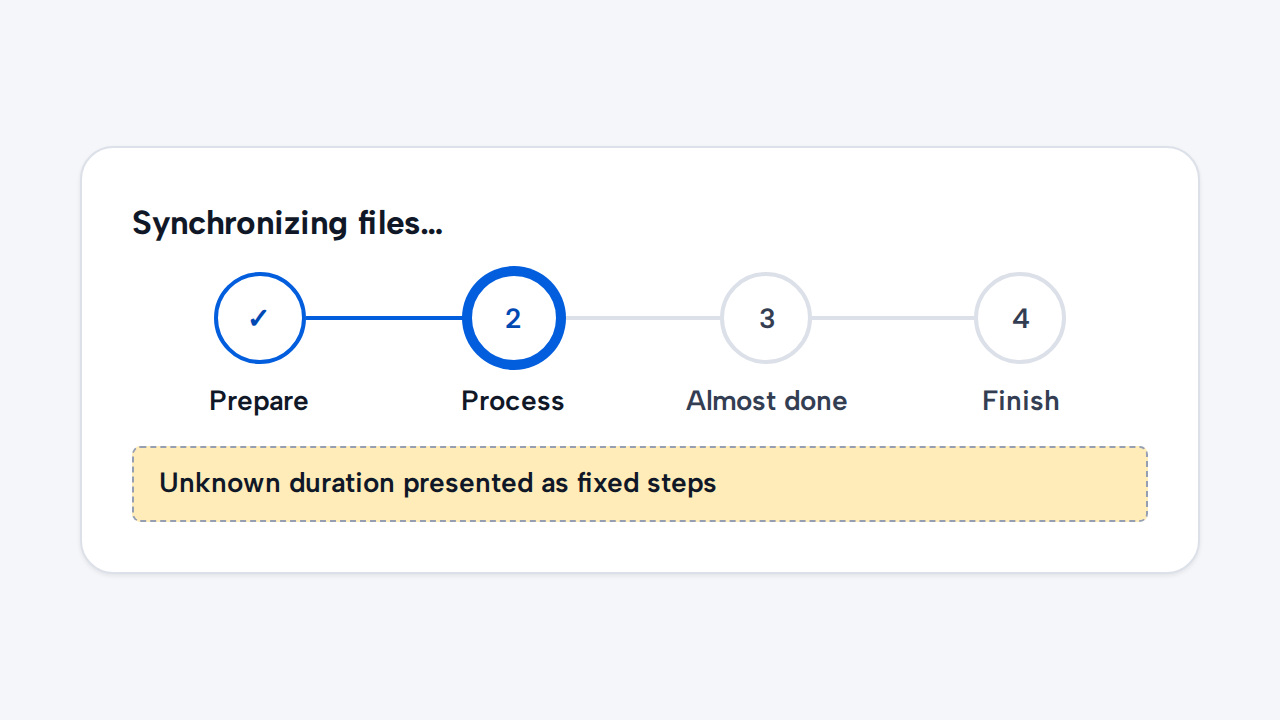
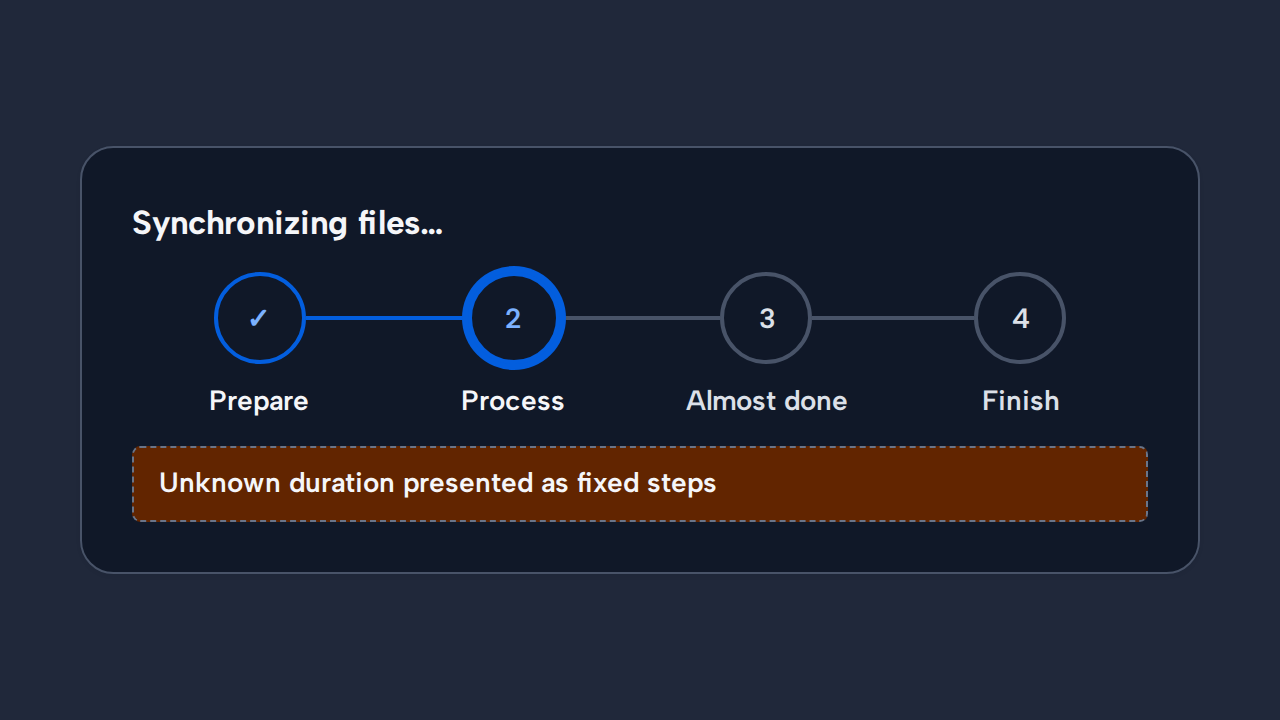
Use a loading treatment when there are no defined steps or meaningful completion positions.
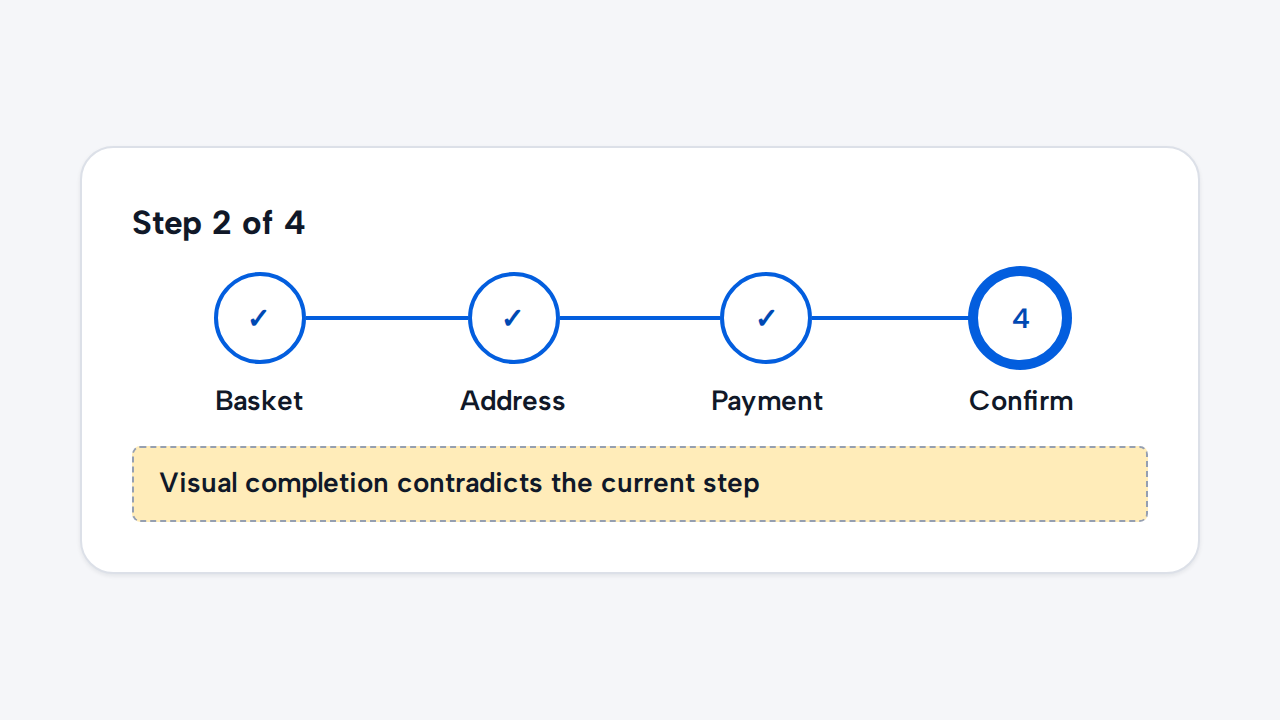
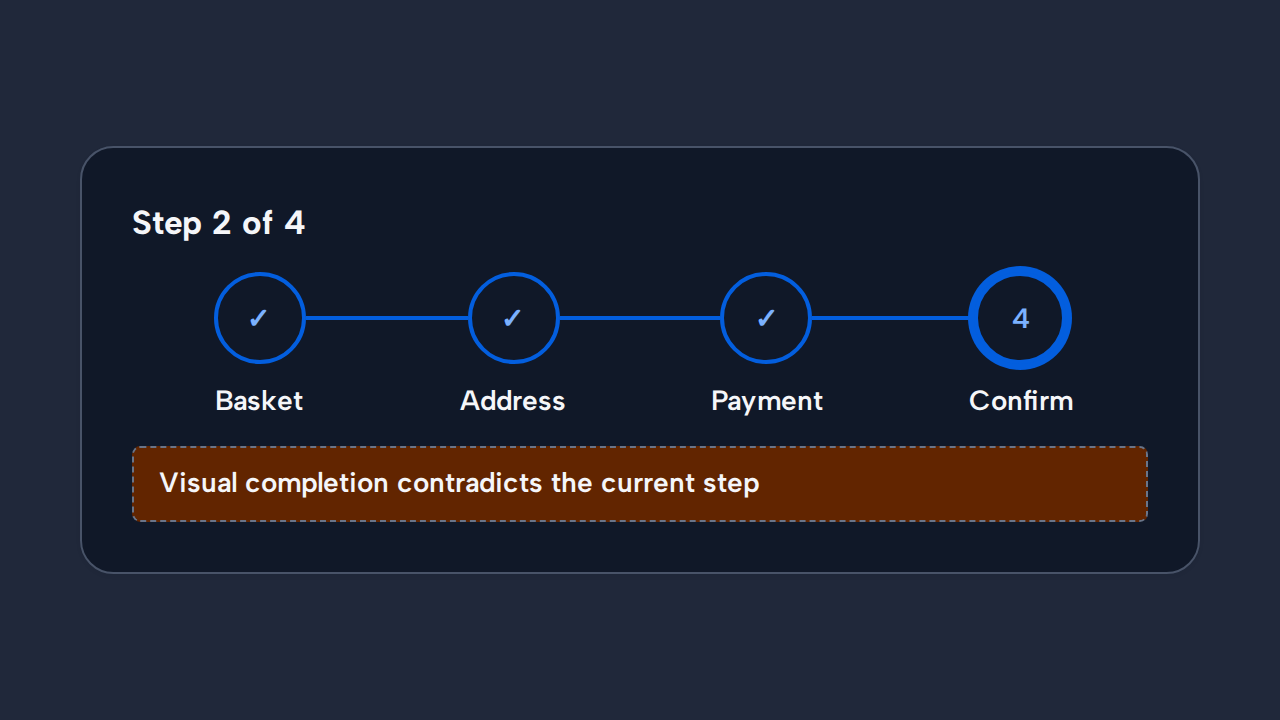
Keep future steps incomplete and communicate state through text and semantics as well as the visual marker.