
Do
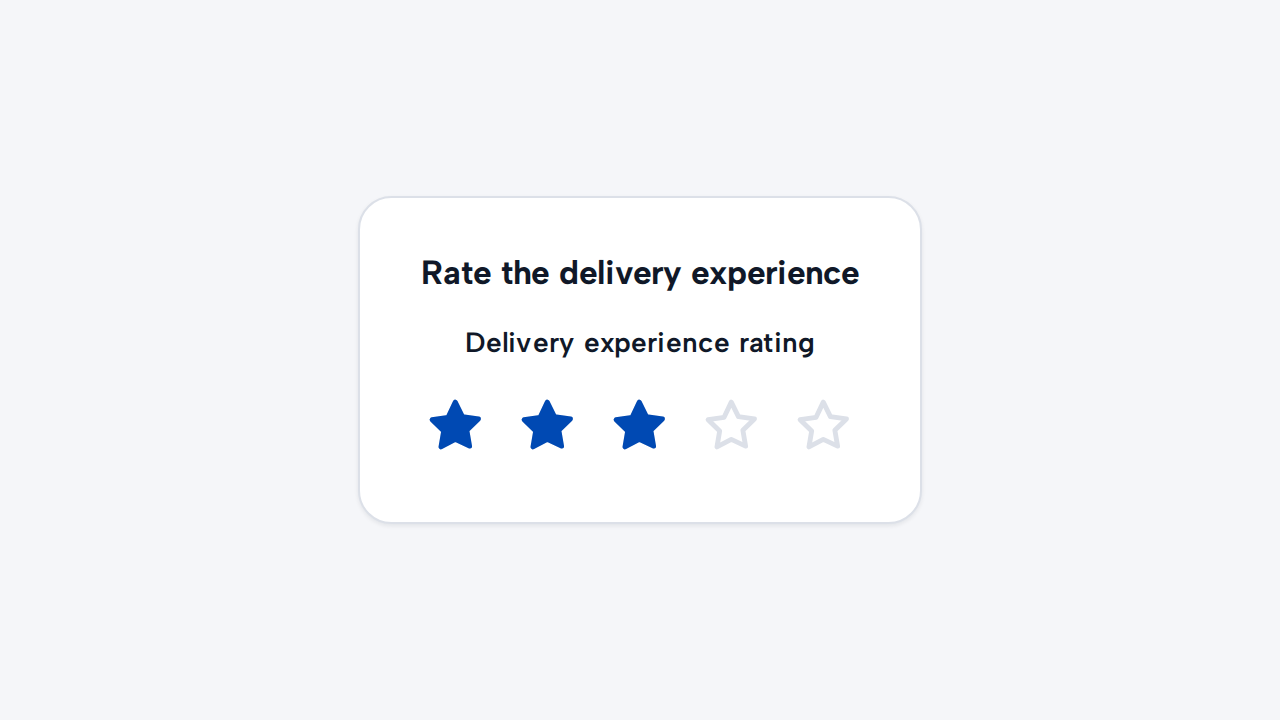
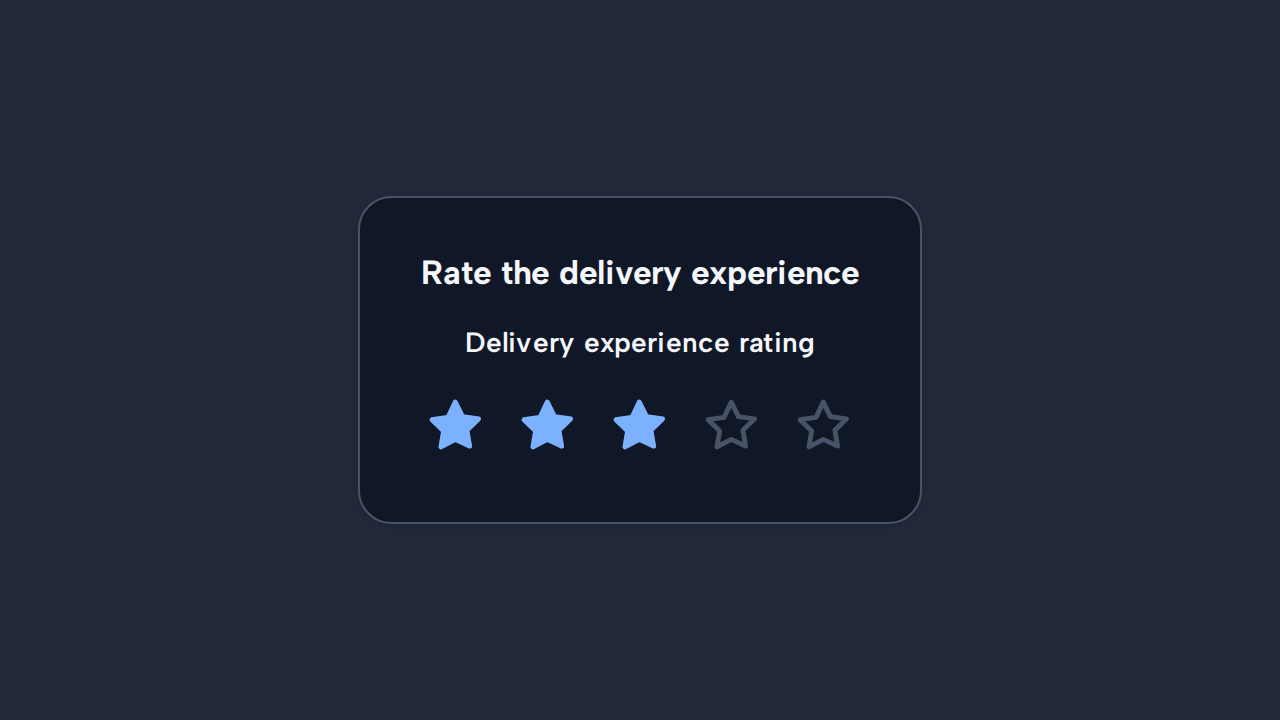
Name what is being rated
Give Rating a specific accessible label so its subject is clear independently of nearby content.
Use Rating when someone needs to give a quick score from one to five. Its native radio controls work with a pointer, keyboard, forms, and assistive technology. Clicking the visible legend moves focus into the radio group.
<aidsgn-rating class="aidsgn-rating" label="Product rating" name="product-rating" value="3"><fieldset class="aidsgn-rating__fieldset"> <legend class="aidsgn-rating__label">Product rating</legend> <div class="aidsgn-rating__stars"> <label class="aidsgn-rating__star" data-aidsgn-selected style="--aidsgn-rating-index: 0"> <input class="aidsgn-rating__input" type="radio" name="product-rating" value="1" /> <span class="aidsgn-rating__value">1</span> <aidsgn-icon class="aidsgn-rating__icon aidsgn-rating__icon--outline" name="star"><svg class="aidsgn-icon__svg" viewBox="0 0 24 24" aria-hidden="true"><path d="m12 2.5 2.93 5.94 6.56.95-4.75 4.63 1.12 6.54L12 17.77l-5.87 3.09 1.12-6.54L2.5 9.69l6.56-.95L12 2.5Z"></path></svg></aidsgn-icon> <aidsgn-icon class="aidsgn-rating__icon aidsgn-rating__icon--fill" name="star-filled"><svg class="aidsgn-icon__svg" viewBox="0 0 24 24" aria-hidden="true"><path d="m12 2.5 2.93 5.94 6.56.95-4.75 4.63 1.12 6.54L12 17.77l-5.87 3.09 1.12-6.54L2.5 9.69l6.56-.95L12 2.5Z"></path></svg></aidsgn-icon> </label> <label class="aidsgn-rating__star" data-aidsgn-selected style="--aidsgn-rating-index: 1"> <input class="aidsgn-rating__input" type="radio" name="product-rating" value="2" /> <span class="aidsgn-rating__value">2</span> <aidsgn-icon class="aidsgn-rating__icon aidsgn-rating__icon--outline" name="star"><svg class="aidsgn-icon__svg" viewBox="0 0 24 24" aria-hidden="true"><path d="m12 2.5 2.93 5.94 6.56.95-4.75 4.63 1.12 6.54L12 17.77l-5.87 3.09 1.12-6.54L2.5 9.69l6.56-.95L12 2.5Z"></path></svg></aidsgn-icon> <aidsgn-icon class="aidsgn-rating__icon aidsgn-rating__icon--fill" name="star-filled"><svg class="aidsgn-icon__svg" viewBox="0 0 24 24" aria-hidden="true"><path d="m12 2.5 2.93 5.94 6.56.95-4.75 4.63 1.12 6.54L12 17.77l-5.87 3.09 1.12-6.54L2.5 9.69l6.56-.95L12 2.5Z"></path></svg></aidsgn-icon> </label> <label class="aidsgn-rating__star" data-aidsgn-selected style="--aidsgn-rating-index: 2"> <input class="aidsgn-rating__input" type="radio" name="product-rating" value="3" checked /> <span class="aidsgn-rating__value">3</span> <aidsgn-icon class="aidsgn-rating__icon aidsgn-rating__icon--outline" name="star"><svg class="aidsgn-icon__svg" viewBox="0 0 24 24" aria-hidden="true"><path d="m12 2.5 2.93 5.94 6.56.95-4.75 4.63 1.12 6.54L12 17.77l-5.87 3.09 1.12-6.54L2.5 9.69l6.56-.95L12 2.5Z"></path></svg></aidsgn-icon> <aidsgn-icon class="aidsgn-rating__icon aidsgn-rating__icon--fill" name="star-filled"><svg class="aidsgn-icon__svg" viewBox="0 0 24 24" aria-hidden="true"><path d="m12 2.5 2.93 5.94 6.56.95-4.75 4.63 1.12 6.54L12 17.77l-5.87 3.09 1.12-6.54L2.5 9.69l6.56-.95L12 2.5Z"></path></svg></aidsgn-icon> </label> <label class="aidsgn-rating__star" style="--aidsgn-rating-index: 3"> <input class="aidsgn-rating__input" type="radio" name="product-rating" value="4" /> <span class="aidsgn-rating__value">4</span> <aidsgn-icon class="aidsgn-rating__icon aidsgn-rating__icon--outline" name="star"><svg class="aidsgn-icon__svg" viewBox="0 0 24 24" aria-hidden="true"><path d="m12 2.5 2.93 5.94 6.56.95-4.75 4.63 1.12 6.54L12 17.77l-5.87 3.09 1.12-6.54L2.5 9.69l6.56-.95L12 2.5Z"></path></svg></aidsgn-icon> <aidsgn-icon class="aidsgn-rating__icon aidsgn-rating__icon--fill" name="star-filled"><svg class="aidsgn-icon__svg" viewBox="0 0 24 24" aria-hidden="true"><path d="m12 2.5 2.93 5.94 6.56.95-4.75 4.63 1.12 6.54L12 17.77l-5.87 3.09 1.12-6.54L2.5 9.69l6.56-.95L12 2.5Z"></path></svg></aidsgn-icon> </label> <label class="aidsgn-rating__star" style="--aidsgn-rating-index: 4"> <input class="aidsgn-rating__input" type="radio" name="product-rating" value="5" /> <span class="aidsgn-rating__value">5</span> <aidsgn-icon class="aidsgn-rating__icon aidsgn-rating__icon--outline" name="star"><svg class="aidsgn-icon__svg" viewBox="0 0 24 24" aria-hidden="true"><path d="m12 2.5 2.93 5.94 6.56.95-4.75 4.63 1.12 6.54L12 17.77l-5.87 3.09 1.12-6.54L2.5 9.69l6.56-.95L12 2.5Z"></path></svg></aidsgn-icon> <aidsgn-icon class="aidsgn-rating__icon aidsgn-rating__icon--fill" name="star-filled"><svg class="aidsgn-icon__svg" viewBox="0 0 24 24" aria-hidden="true"><path d="m12 2.5 2.93 5.94 6.56.95-4.75 4.63 1.12 6.54L12 17.77l-5.87 3.09 1.12-6.54L2.5 9.69l6.56-.95L12 2.5Z"></path></svg></aidsgn-icon> </label> </div></fieldset></aidsgn-rating>Set required when a rating must be chosen. Leave out value for an empty rating, and use a distinct name for each Rating in the same form.
Holding an enabled choice compresses both star icon layers without changing its 44px target. This Press feedback is separate from the selected-star animation, and reduced motion suppresses both effects.
Give Rating a specific accessible label so its subject is clear independently of nearby content.
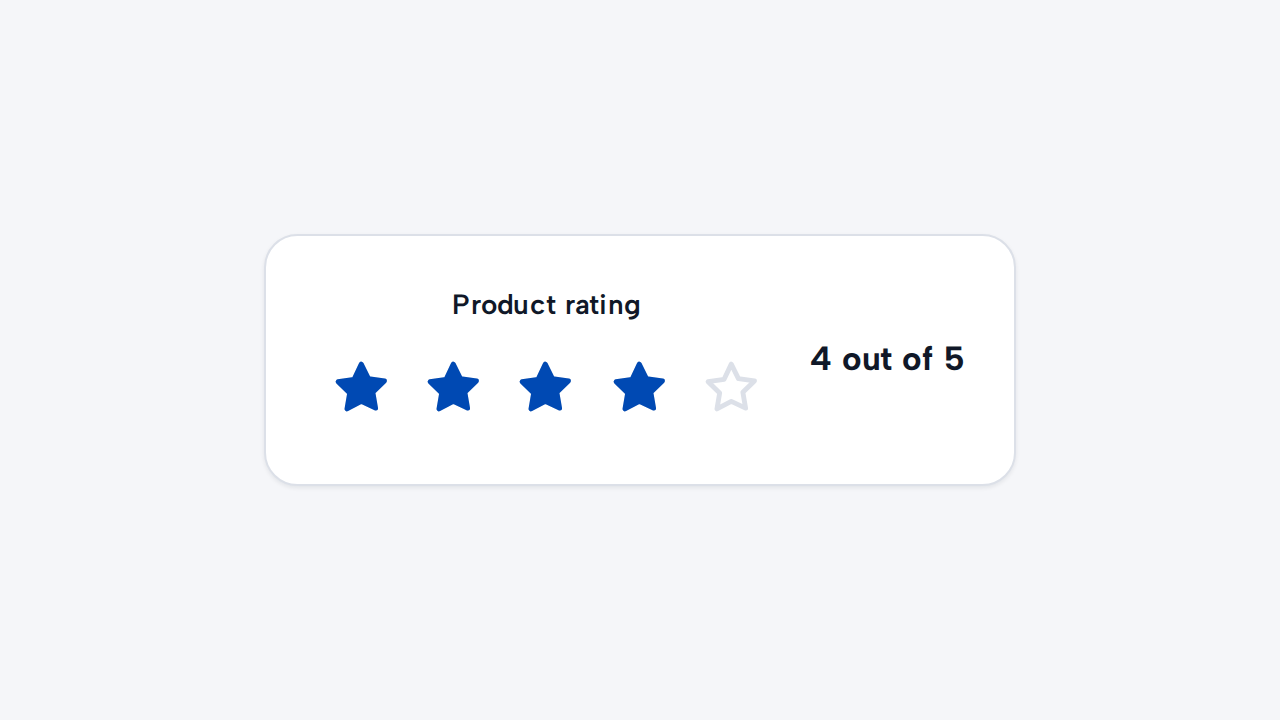
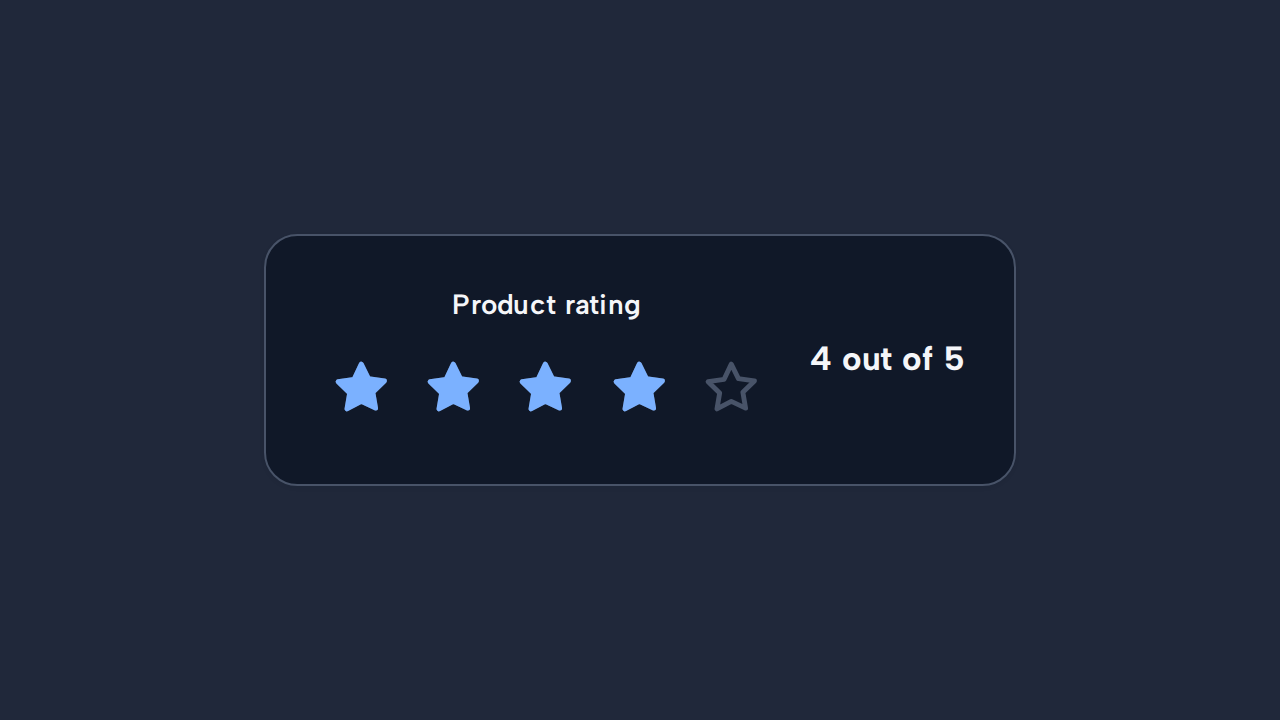
Show the current numeric value wherever people need more precision than the visual stars provide.
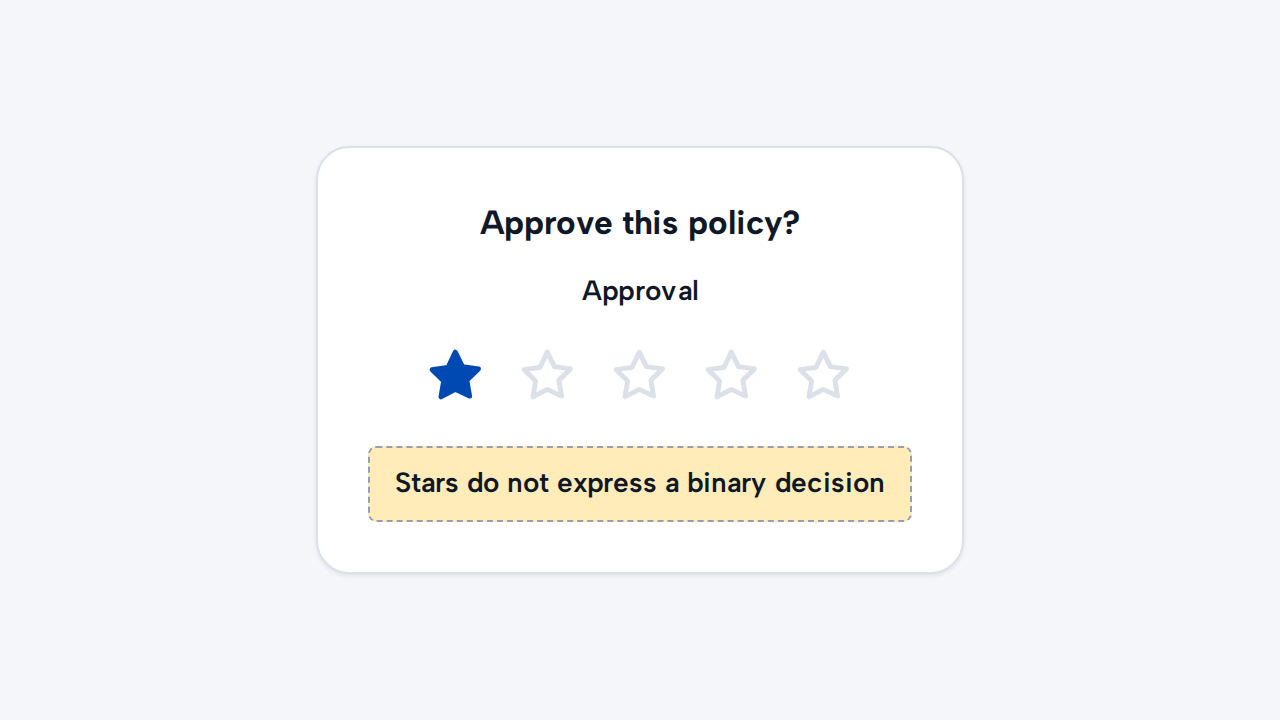
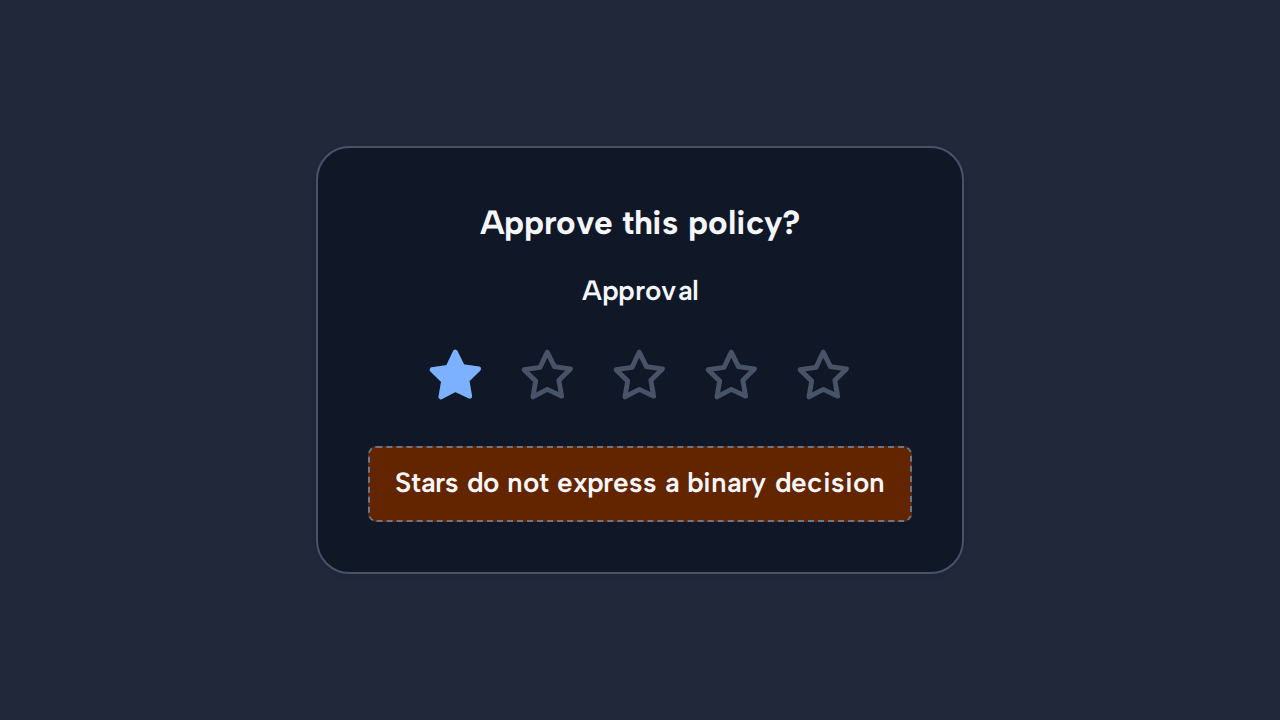
Use another control for approval choices and do not render Rating as a passive row of stars.
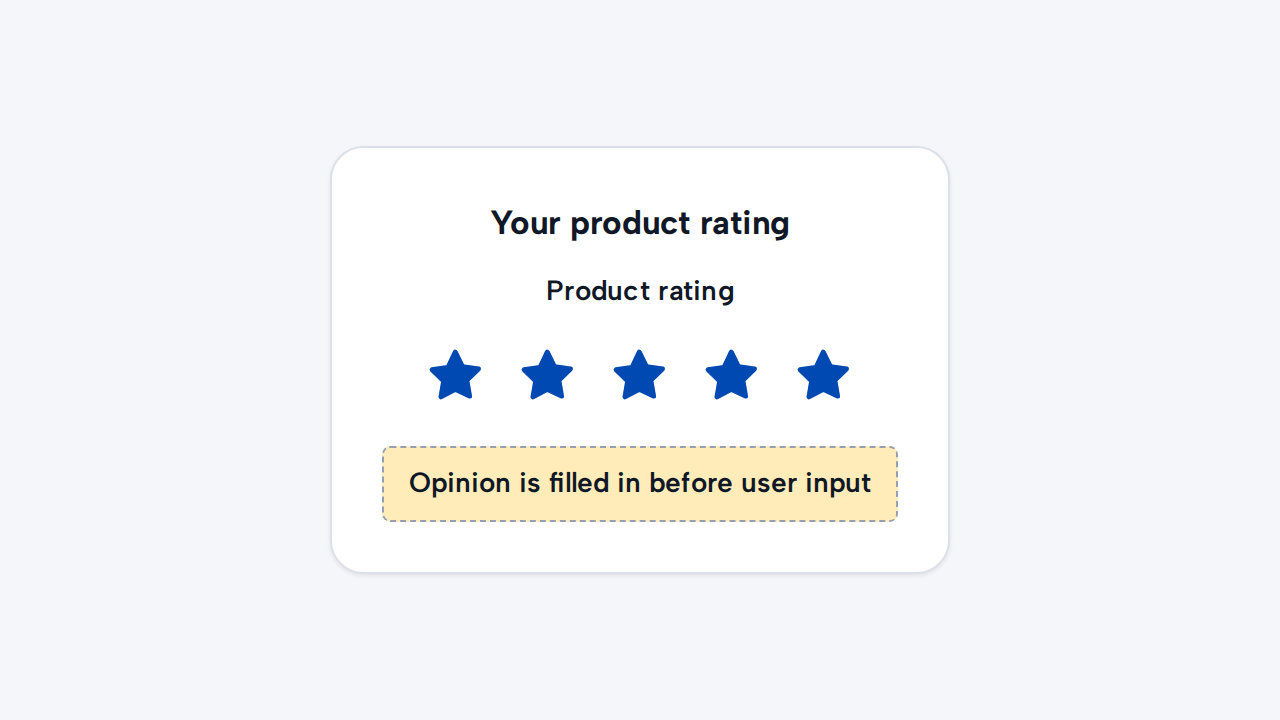
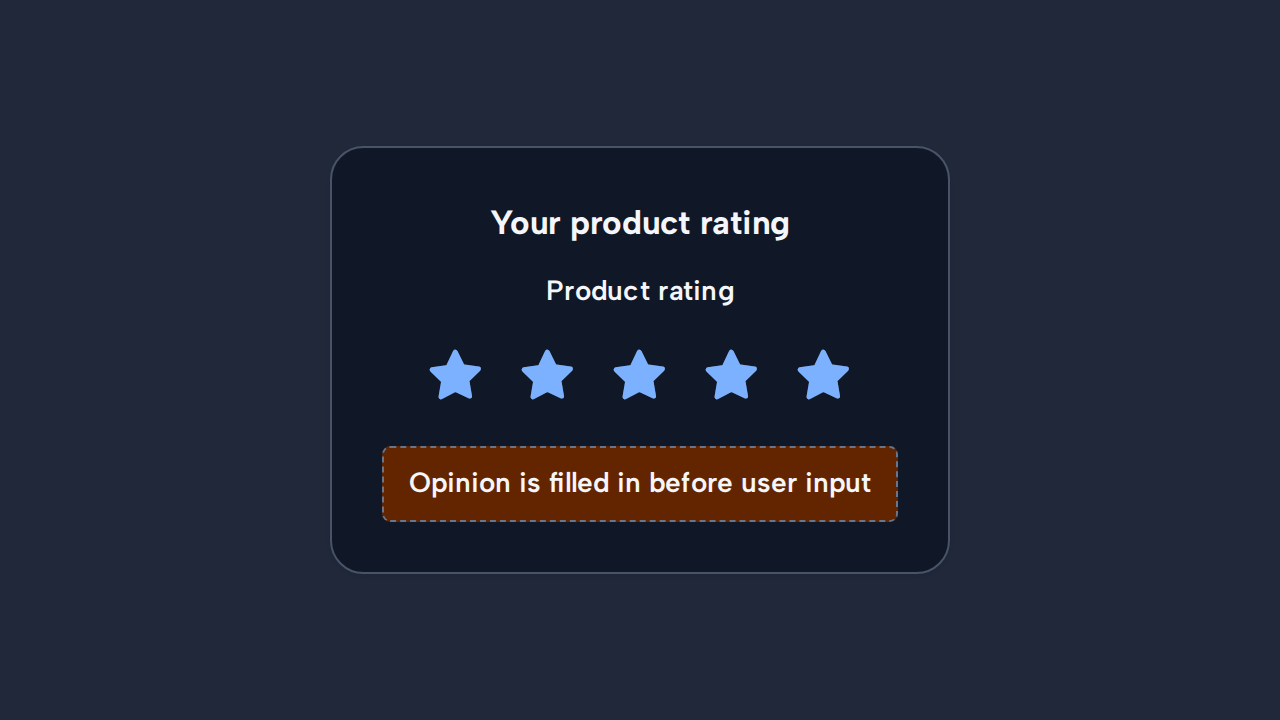
Leave the value empty until the person chooses one, unless a preselected value is unmistakably system-owned.