

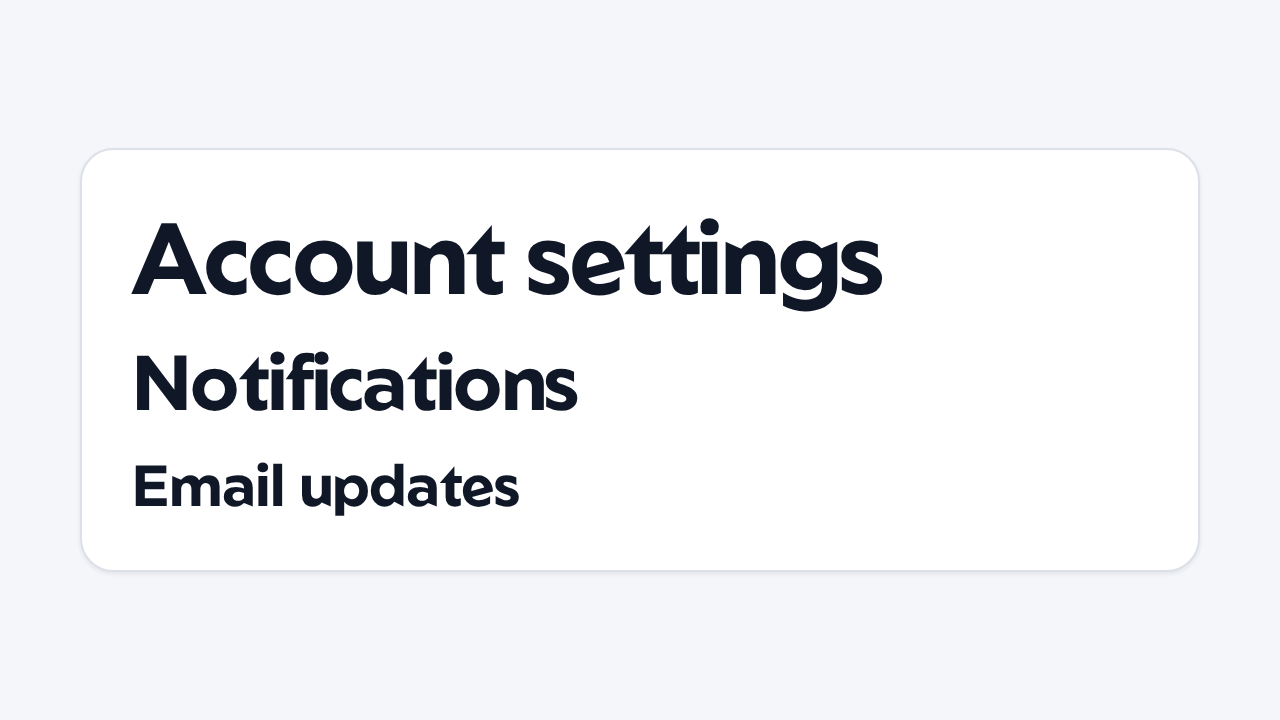
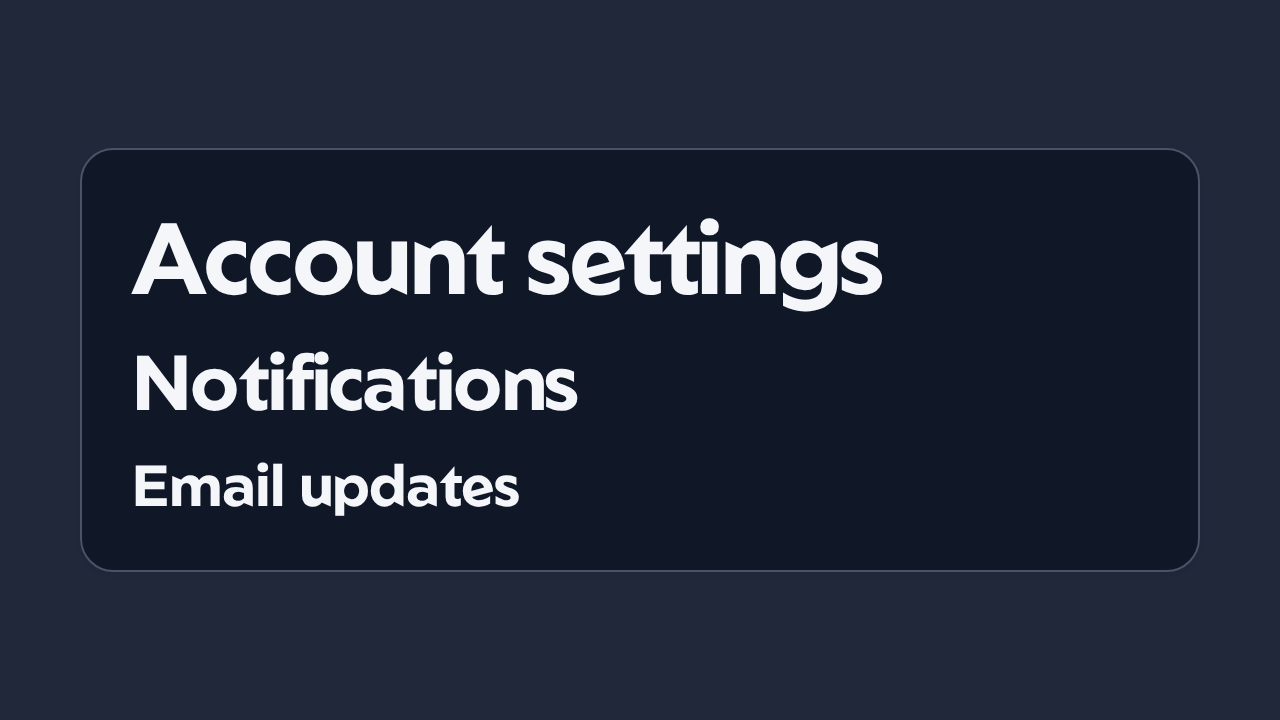
Do
Follow the document hierarchy
Choose the level from the content structure independently of the visual size you want.
aidsgn-heading renders a native heading in light DOM. Its level maps directly to h1 through h6 and defaults to 2. The first three levels use the fluid semantic heading scale.
<aidsgn-heading level="1"><h1 class="aidsgn-heading__content">Build with confidence</h1></aidsgn-heading><aidsgn-heading level="2"><h2 class="aidsgn-heading__content">Section title</h2></aidsgn-heading><aidsgn-heading level="3"><h3 class="aidsgn-heading__content">Subsection title</h3></aidsgn-heading>Choose the level for the document outline rather than presentation. Usually a page has one h1; follow it with nested h2–h6 levels without skipping structural levels.
Choose the level from the content structure independently of the visual size you want.
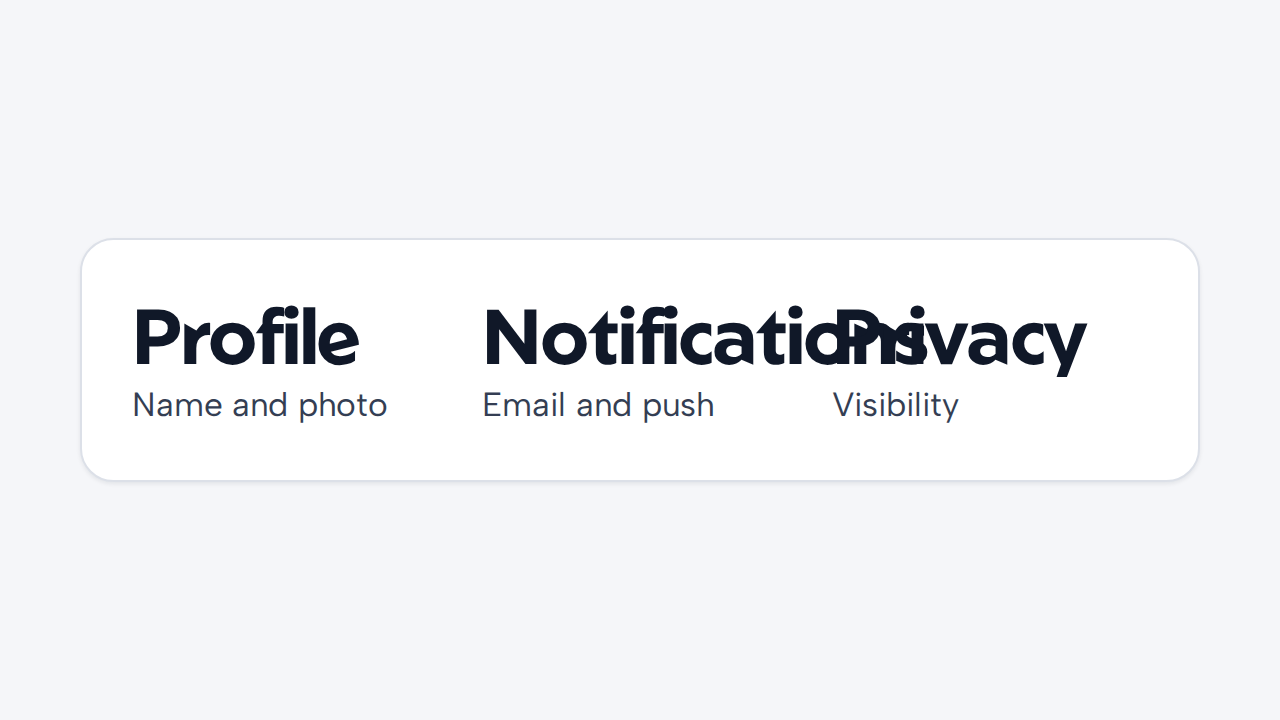
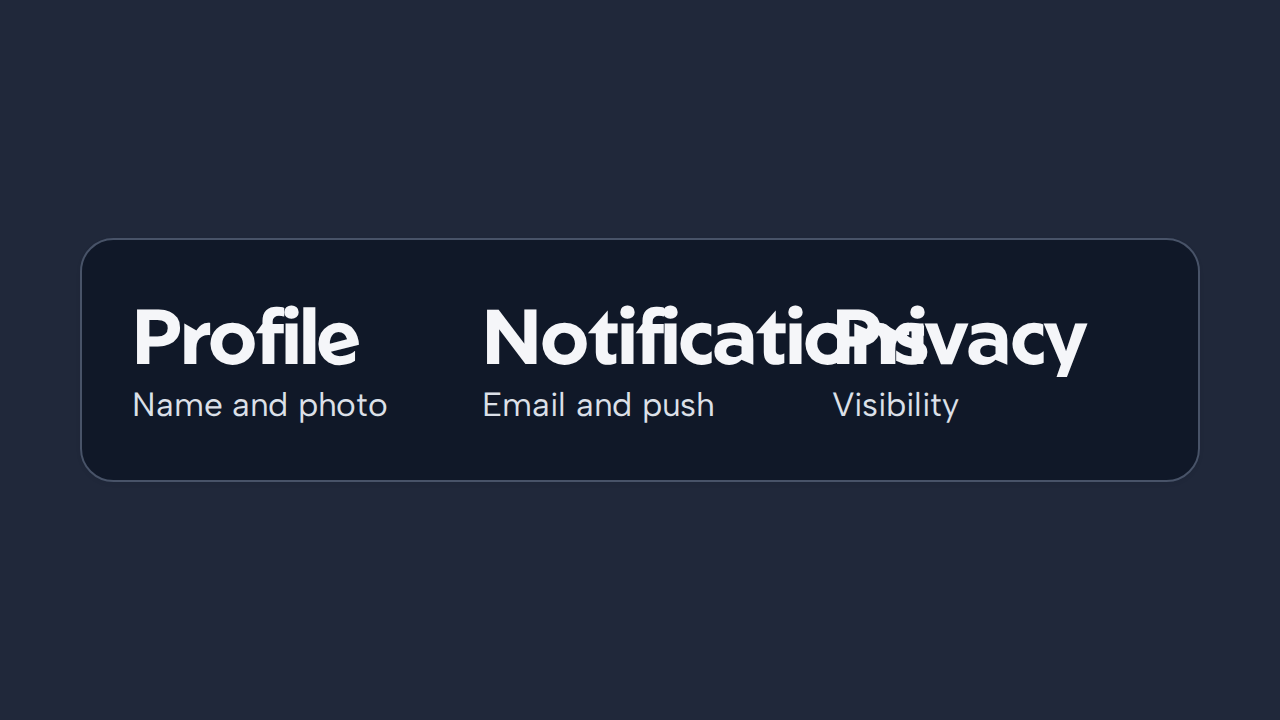
Use concise, descriptive text that identifies the section in navigation and out of context.
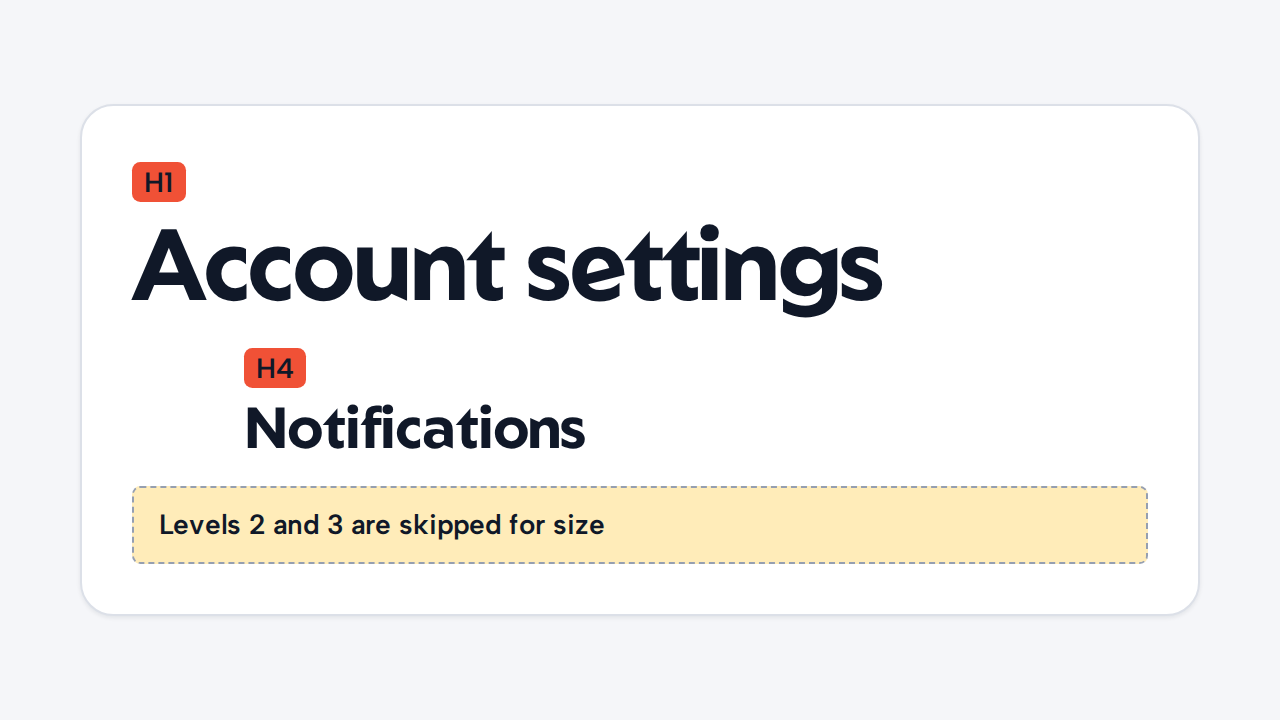
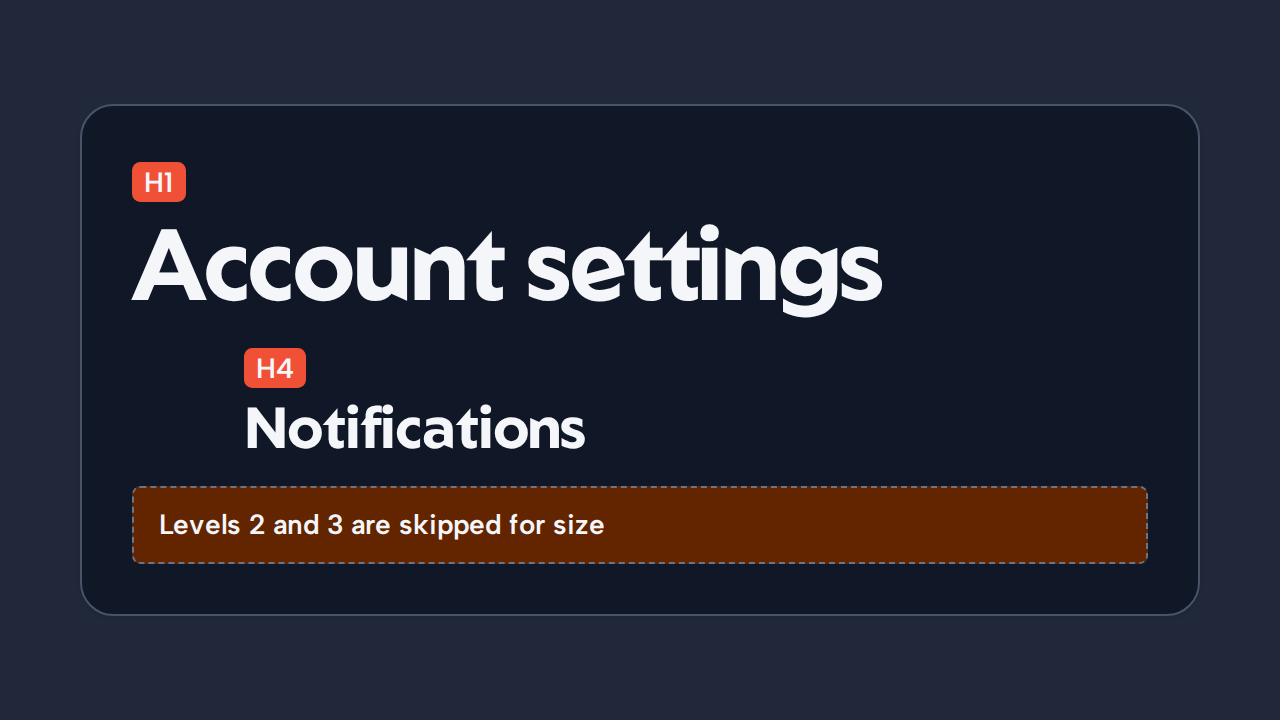
Change presentation separately instead of breaking the document outline to obtain another size.
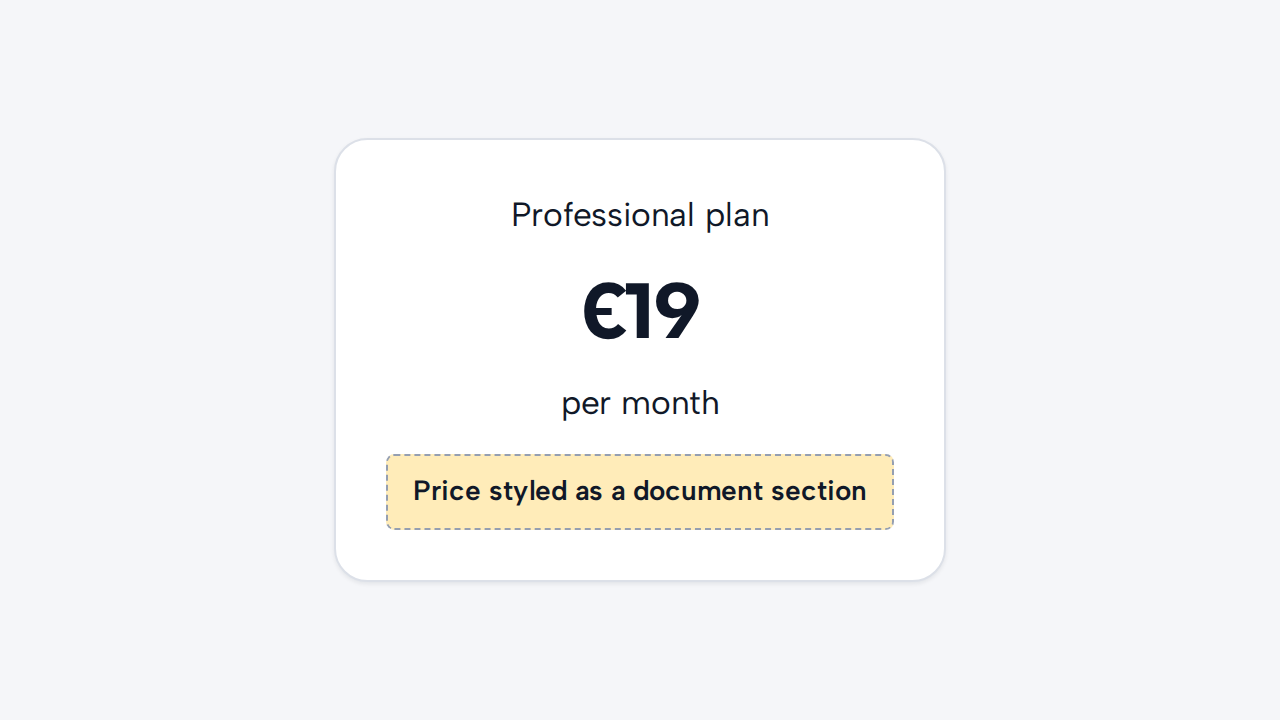
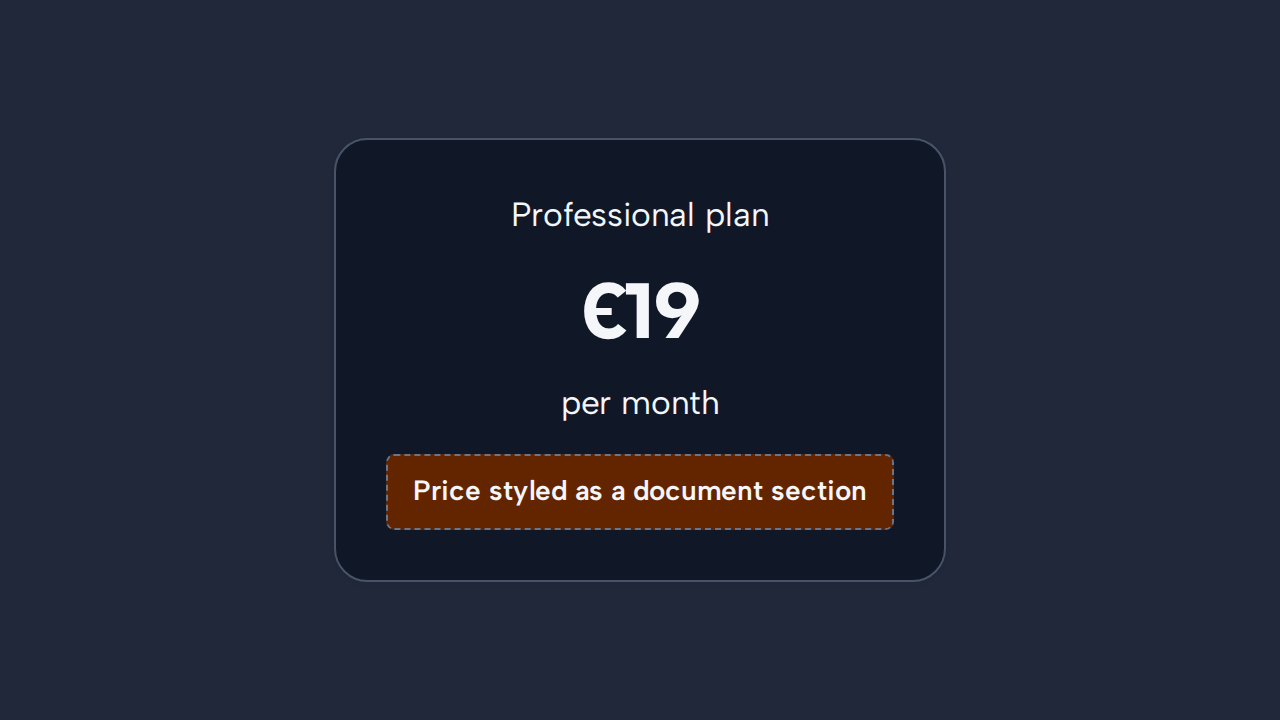
Use Heading only when the text introduces a real section in the document structure.