

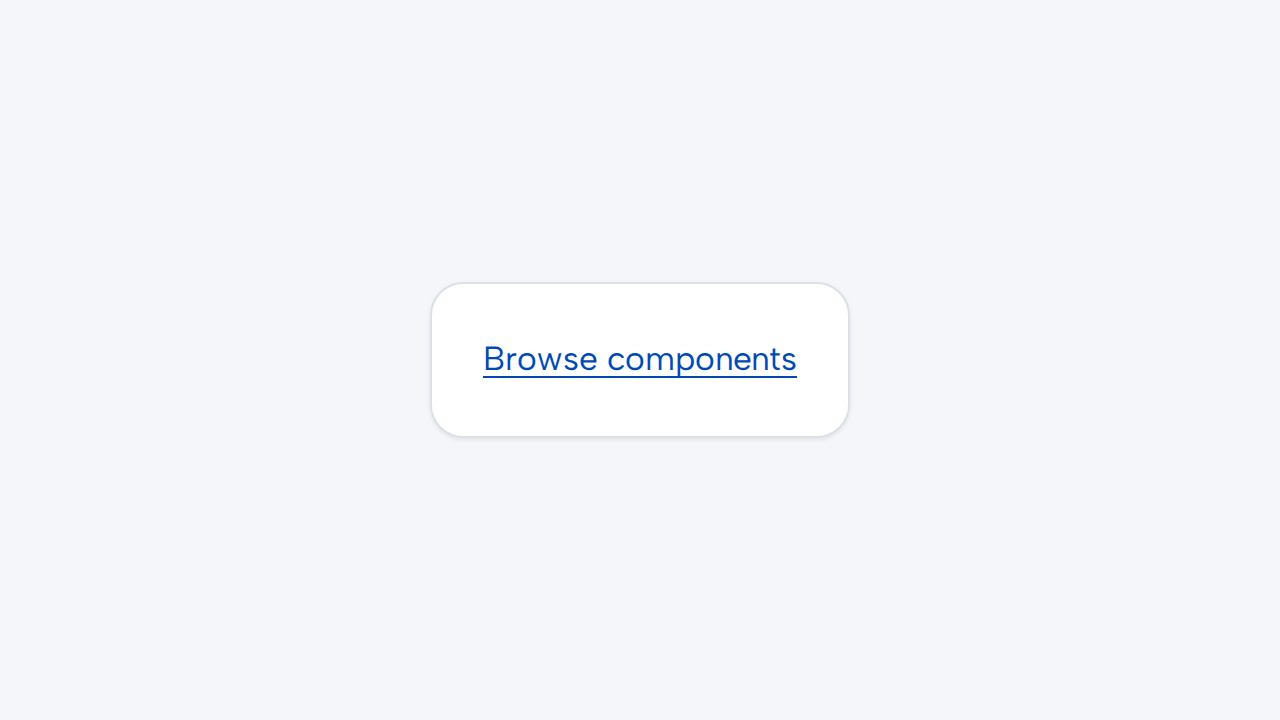
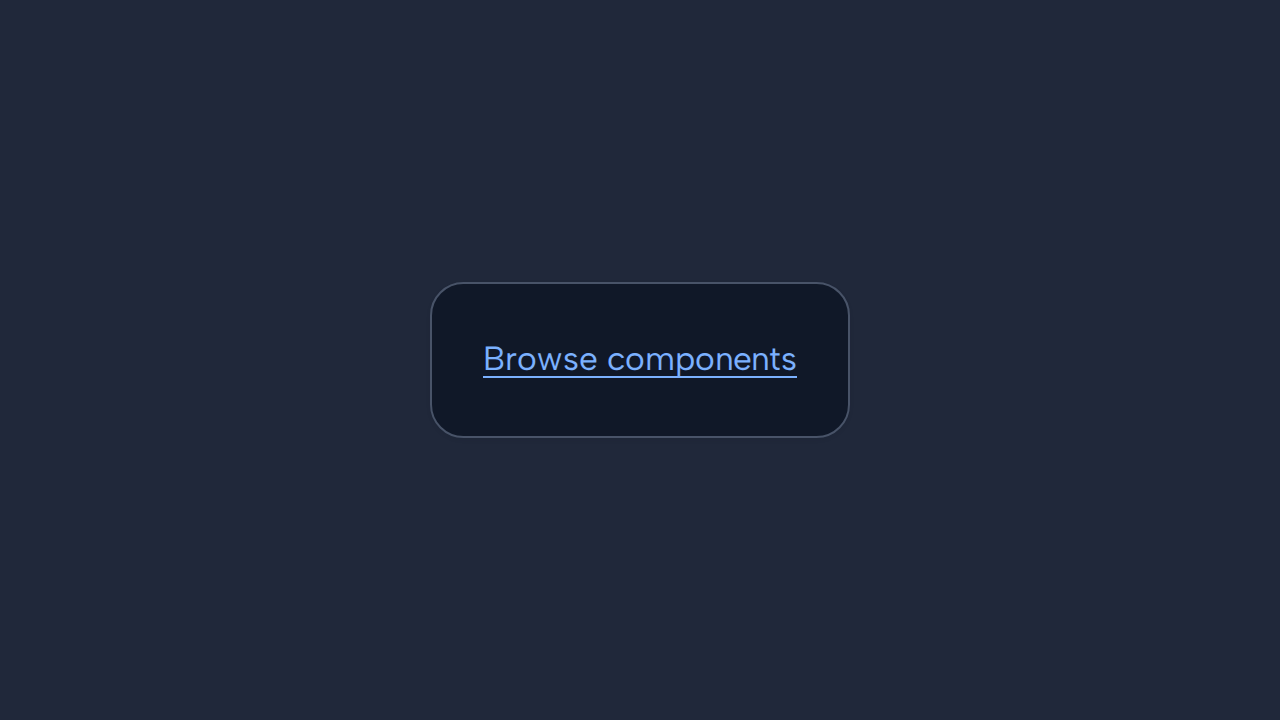
Do
Use Link for navigation
Choose Link when activation moves to another location or opens a resource.
aidsgn-link renders navigation as a native anchor in light DOM. Its content supplies the accessible name, while the platform retains link semantics, keyboard activation, downloads, and context-menu behavior.
<aidsgn-link href="/components/"><a class="aidsgn-link" href="/components/">Browse components</a></aidsgn-link>Use Link for destinations and aidsgn-button for immediate actions. Write descriptive visible text rather than “click here.” target, rel, download, hreflang, and type pass through to the native anchor. Use current="page" or another supported current value for the active item in a navigation set.
Removing href creates a non-navigating anchor, not a disabled link. Avoid that state in application interfaces. The component deliberately leaves router interception and external-link indicators to the parent application.
Choose Link when activation moves to another location or opens a resource.
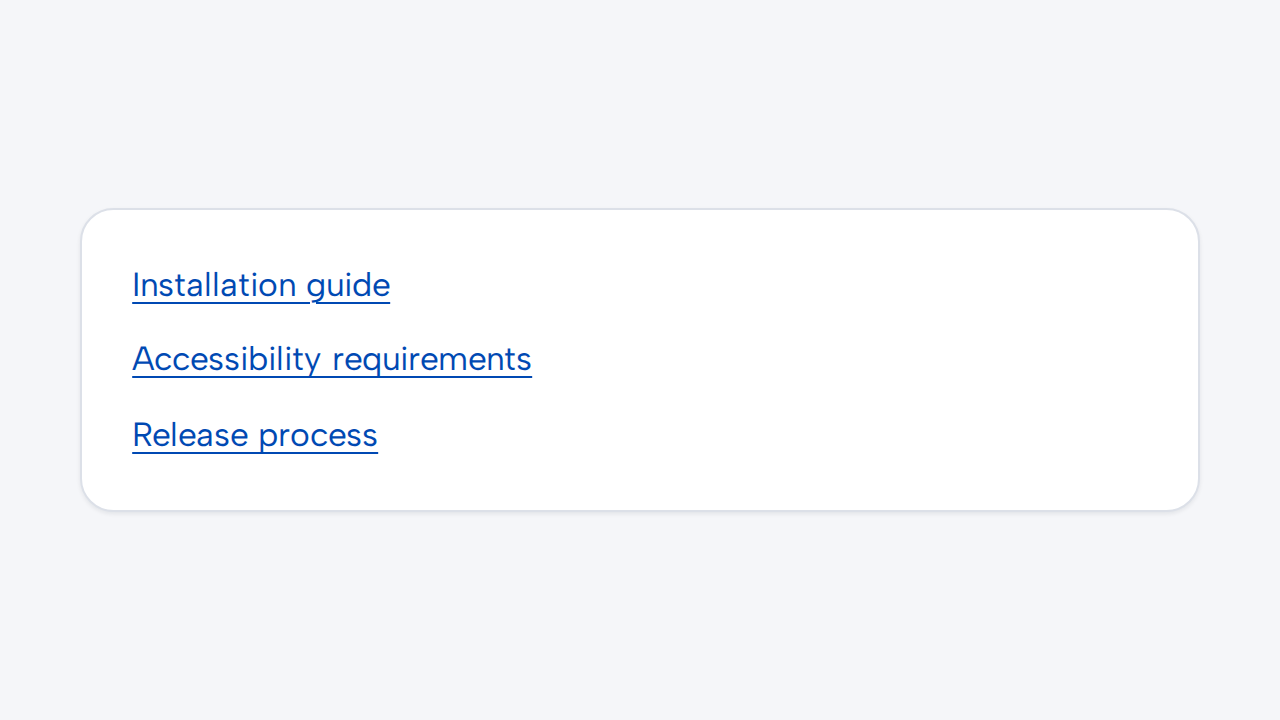

Write link text that identifies where it leads even when read outside the surrounding sentence.
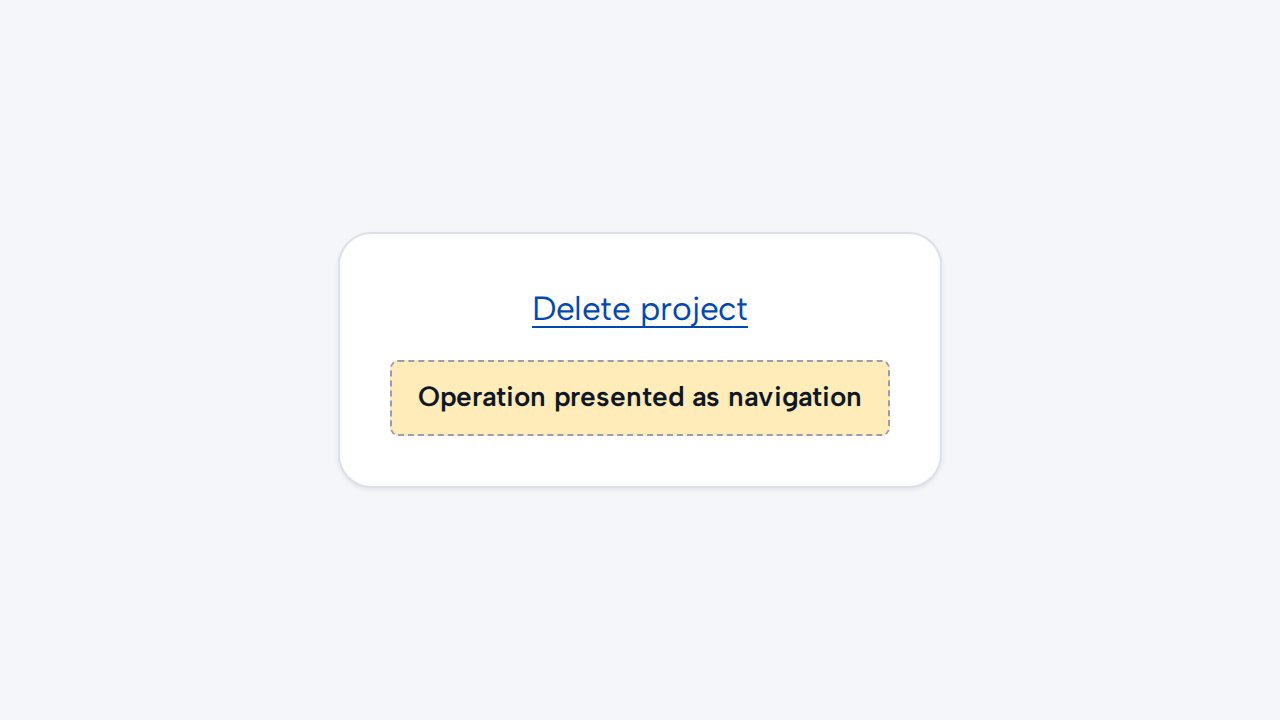
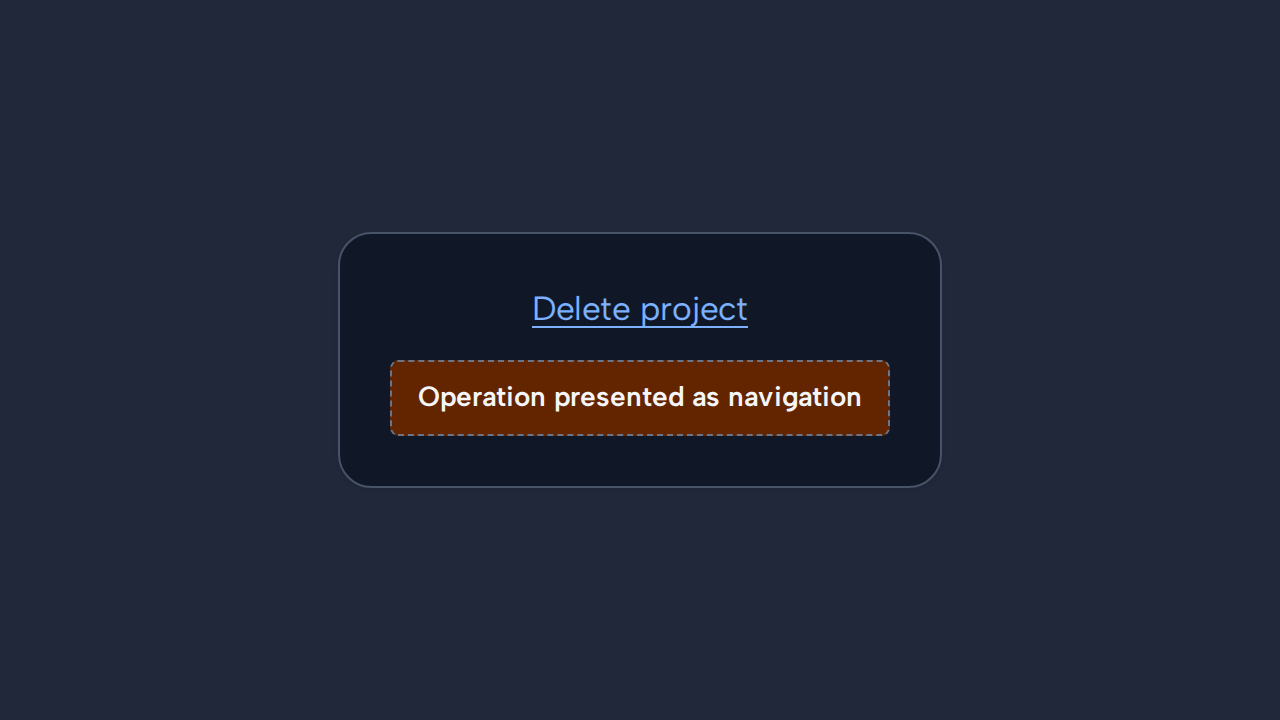
Use Button for an in-page operation that does not change the current location.
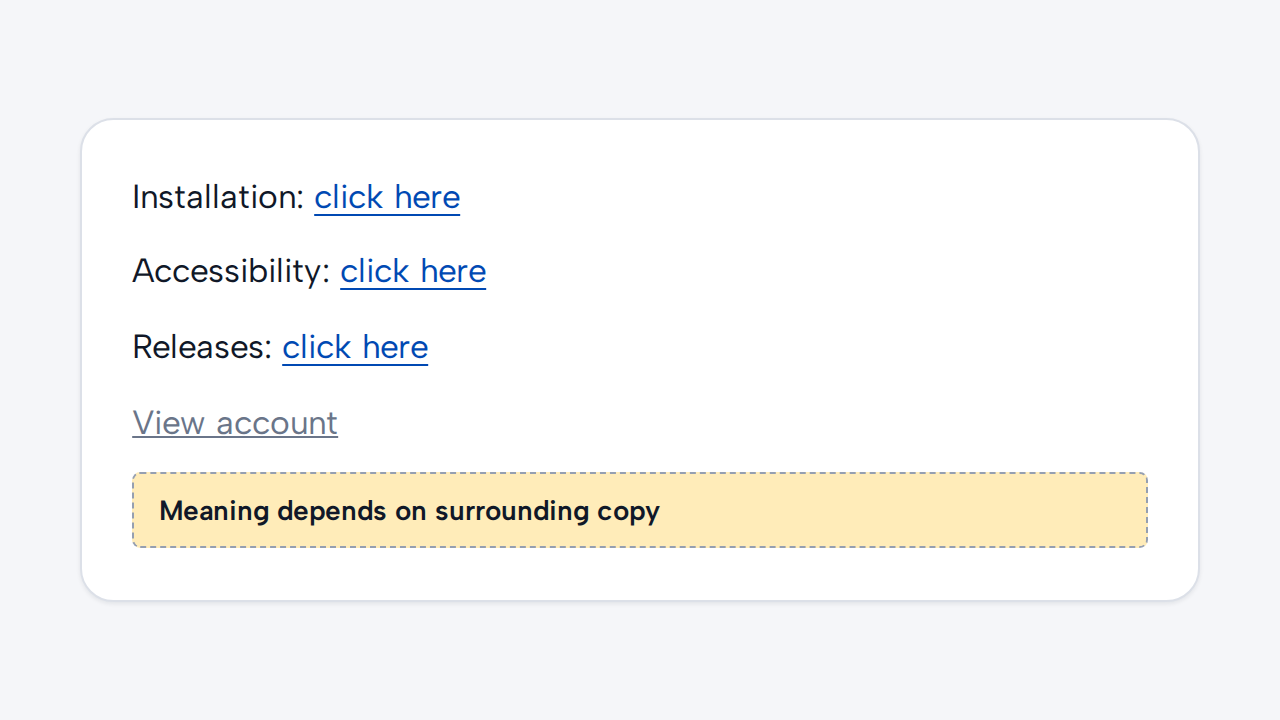
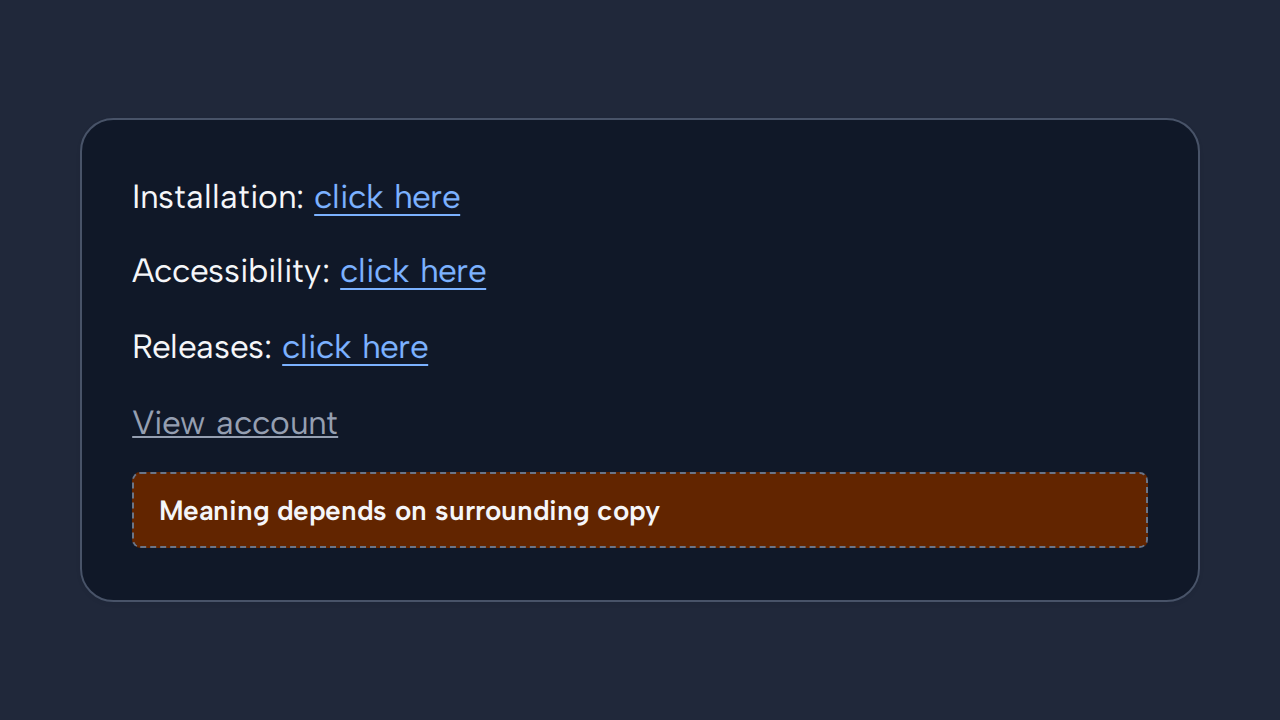
Replace repeated labels such as “click here” with meaningful destinations, and do not imply unsupported disabled behavior.